Waarom automatische ondertitels op ongemakkelijke plekken afbreken
Waarom automatische ondertitels op onhandige plekken afbreken en hoe CaptionBolt een leesbaar concept maakt dat je in de Editor kunt aanpassen.

Kevin Li
Dit is iets wat me maanden heeft gestoord.
Je uploadt een video waarin iemand zegt: "I went to the grocery store yesterday to buy some eggs."
Een verdeler op basis van een vast aantal woorden kan dit ervan maken:
Regel 1: "I went to the"
Regel 2: "grocery store yesterday"
Regel 3: "to buy some eggs"
Lees dat nog eens. "I went to the" — de wat? Je brein moet dat fragment in het werkgeheugen bewaren tot de volgende regel verschijnt. Het is alsof je een boek leest waarbij iemand elke regel met een schaar op willekeurige plekken heeft doorgeknipt.
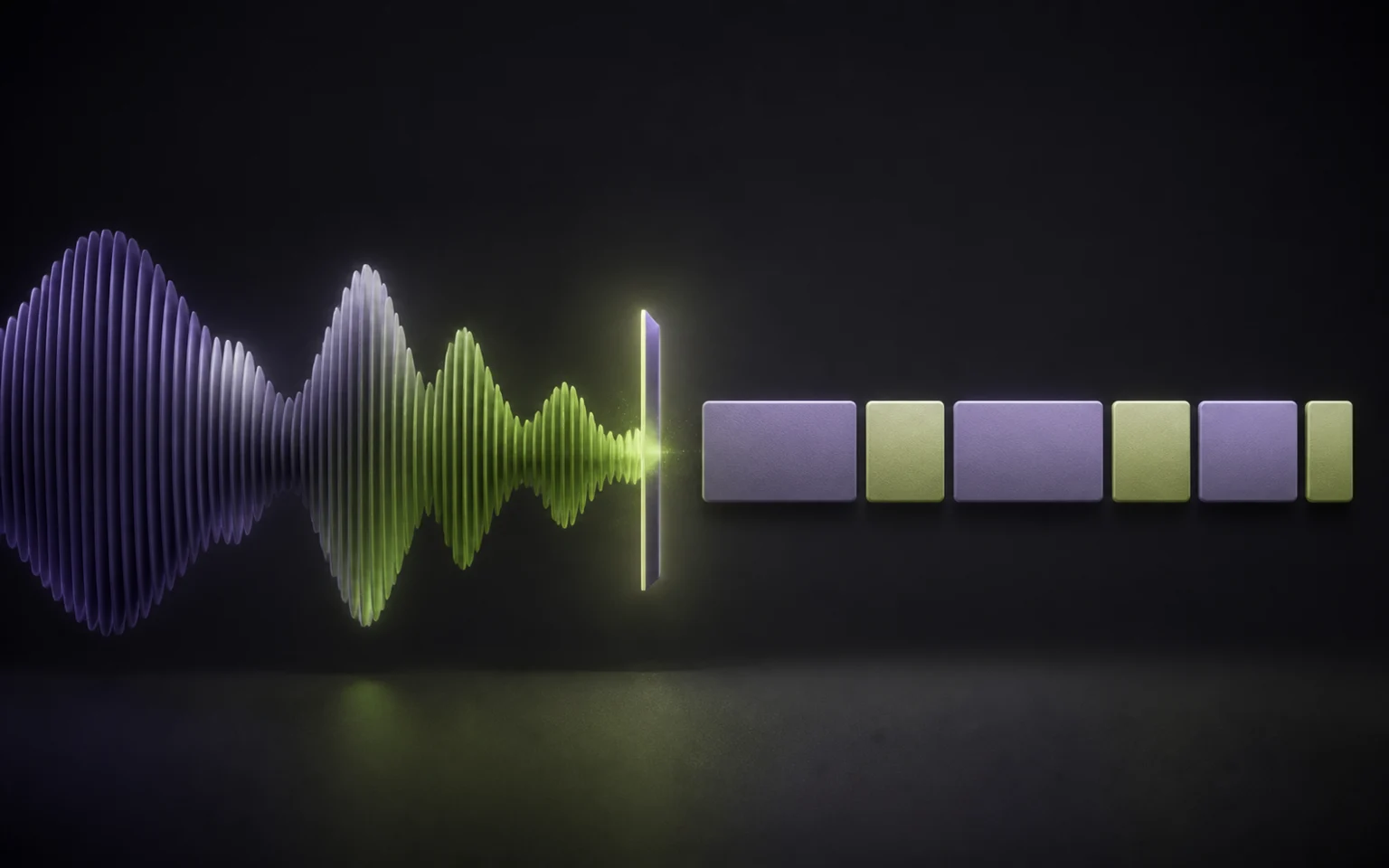
Dit is het segmentatieprobleem bij ondertitels. In een korte demo zie je het makkelijk over het hoofd, maar het wordt duidelijk als een zin wordt afgebroken voordat de kijker genoeg context heeft. Daarom behandelen we ondertitels als een bewerkingsworkflow, niet als een transcript dat op de video is geplakt.
Waarom Het Moeilijker Is Dan Het Lijkt
Splitsen na een vast aantal woorden is consistent, maar levert vaak onhandige fragmenten op. Leestekens geven betere kandidaten, al is automatisch gegenereerde interpunctie niet altijd perfect. Timing helpt ook: een duidelijke pauze kan een natuurlijk breekpunt aangeven, terwijl een korte ademhaling dat misschien niet doet.
In de praktijk moeten die signalen in balans zijn met een prettig leesbare bloklengte. Geen automatische regel past bij elke spreker, taal en voordracht, dus het resultaat moet eenvoudig te bewerken blijven.
Wat We Nu Gebruiken
We hebben de segmentatie verbeterd rond een paar eenvoudige, controleerbare signalen:
Leestekens wanneer die beschikbaar zijn. Een duidelijk zinseinde is een sterke kandidaat. We nemen niet aan dat elk gegenereerd leesteken klopt.
Duidelijke pauzes in de timing. Een merkbare stilte tussen woorden kan helpen wanneer leestekens ontbreken.
Een harde limiet voor bloklengte. De huidige segmenter splitst zodra een samengesteld blok 60 tekens bereikt of overschrijdt. Leestekens of pauzes kunnen nog korte fragmenten geven; daarom blijft het resultaat bewerkbaar en wordt het niet als definitief gepresenteerd.
De Editor heeft het laatste woord. Segmentatie is een eerste concept. Voor het exporteren kun je tekst corrigeren en blokken splitsen of samenvoegen wanneer de voordracht daarom vraagt.
Voor / Na
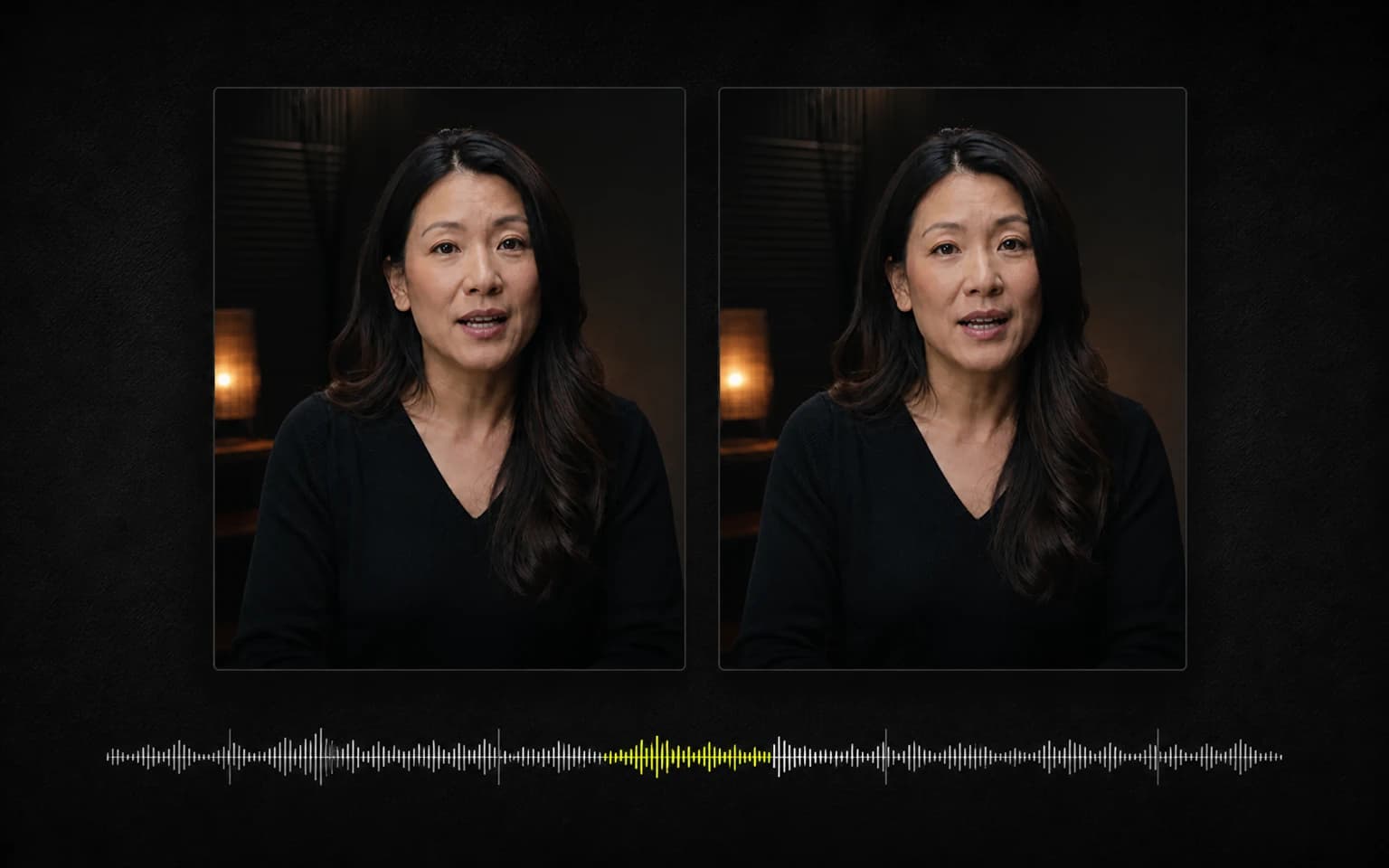
Hetzelfde transcript, oude algoritme versus nieuwe:
Voor:
"So what I've been"
"doing lately is working"
"on this new project"
"that I'm really excited about"
Na:
"So what I've been doing lately"
"is working on this new project"
"that I'm really excited about"
In tekst lijkt het verschil klein. In dit voorbeeld is de nieuwe groepering op spreektempo beter te volgen, omdat elk blok een completere woordgroep bevat. Het blijft een voorbeeld, geen belofte dat één regel voor elke spreker of taal de beste splitsing geeft.
Waarom het probleem makkelijk over het hoofd wordt gezien
Korte demo's bevatten vaak voorbereide zinnen en weinig blokken. Langere, minder gescripte spraak laat meer combinaties van leestekens, pauzes en zinsgrenzen zien, waardoor onhandige afbrekingen opvallen.
We zagen het patroon bij tests van CaptionBolt met eigen clips en pasten de segmenter aan rond controleerbare signalen. De logica gebruikt op volgorde zinseindetekens, pauzes langer dan 300 ms, leestekens binnen een zin en een harde limiet van 60 tekens.
Nieuwe uploads gebruiken deze segmentatie al. Behandel het resultaat als een bewerkbaar concept: controleer het in de Editor en splits of voeg blokken samen die niet bij de voordracht passen.
Gerelateerde artikelen
Wil je de praktische kant van dit probleem zien, lees dan ondertitels toevoegen aan een video of SRT-bestanden bewerken. Voor praktische correcties gebruik je de automatische ondertitelgenerator en de ondertiteleditor.