Un flujo de video, tres formas de entrar: API pública, Webhooks y MCP
Por qué abrimos CaptionBolt a aplicaciones, automatizaciones y agentes de AI, y por qué los tres siguen usando el mismo flujo de subtítulos con revisión.

Kevin Li
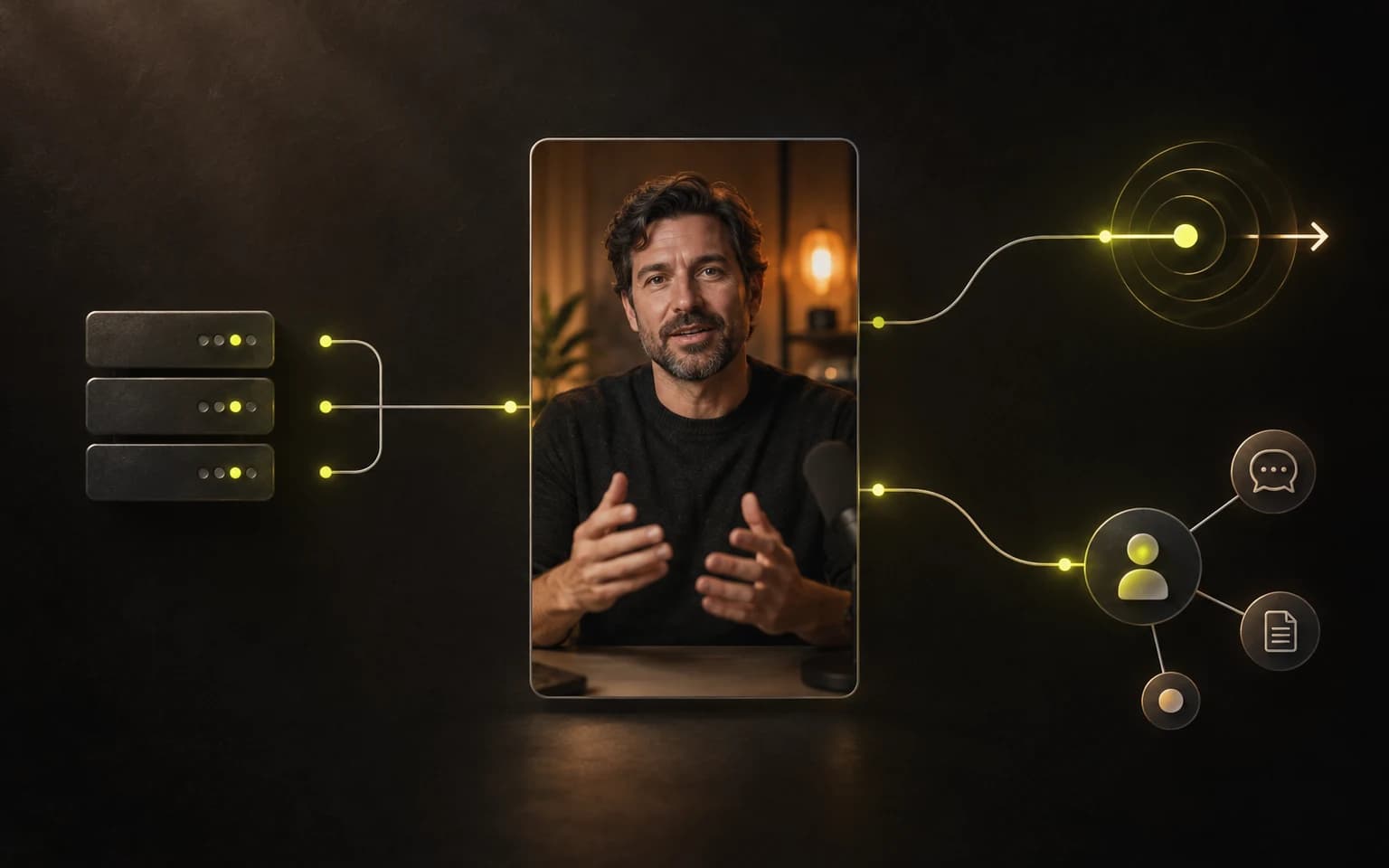
El primer flujo de CaptionBolt vivía por completo en el navegador. Subías un video, esperabas la transcripción, revisabas los subtítulos y exportabas el resultado.
Esa sigue siendo la forma más clara de terminar un video. Deja de serlo cuando el mismo trabajo se repite todos los días.
Un equipo de cursos puede grabar cinco lecciones de una vez. Una agencia puede necesitar preparar los videos de un cliente apenas llegan los archivos originales. Un desarrollador quizá ya tenga un sistema interno que sabe qué grabación fue aprobada, quién debe revisarla y dónde debe quedar el archivo final. Copiar IDs entre pestañas no es trabajo creativo. Actualizar una página de estado una y otra vez tampoco.
Seguíamos escuchando versiones de la misma pregunta: ¿CaptionBolt puede adaptarse al flujo que ya usamos?
Ahora la respuesta es sí. CaptionBolt tiene una API pública, Webhooks firmados y un servidor MCP remoto alojado para asistentes de AI compatibles. Son tres formas de entrar al mismo producto, no tres productos de video nuevos escondidos detrás de nombres técnicos.
El navegador ya no es la única puerta de entrada
No queríamos crear una “versión para desarrolladores” separada de CaptionBolt.
Los proyectos creados con la API pública usan la misma cuenta, minutos de procesamiento, límites del plan, estilos de subtítulos, presets guardados y permisos de exportación que los proyectos creados en la aplicación. Un proyecto puede comenzar en una automatización, detenerse para que alguien lo revise en CaptionBolt y continuar por API después de guardar los cambios.
Ese último punto importa. La automatización debe eliminar coordinación repetitiva sin quitar el criterio humano a escondidas.
El modo de integración predeterminado es review. CaptionBolt prepara la transcripción y los subtítulos, y deja el proyecto listo para una persona. auto-export está disponible cuando el flujo realmente no necesita esa pausa, pero hay que elegirlo de forma explícita.
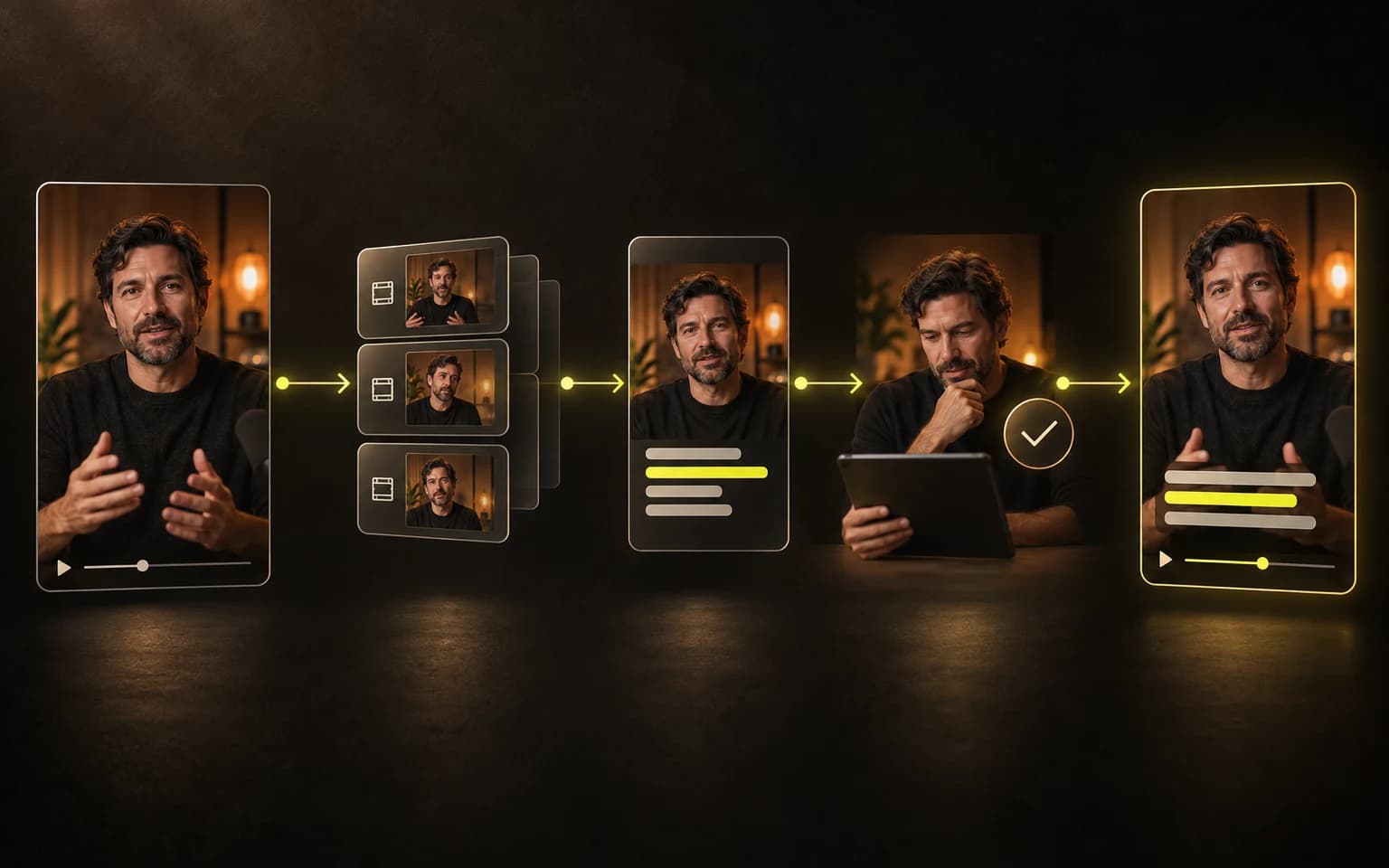
API pública: trabajo predecible para sistemas predecibles
La API REST es la opción directa para el software que controlas.
Puede consultar los límites de la cuenta, encontrar estilos de subtítulos y presets guardados, cargar un video en partes reanudables, crear un proyecto, comprobar su estado, solicitar una exportación y obtener el resultado final. Los comandos responden rápido con una operación que puedes seguir, en lugar de mantener abierta una solicitud mientras se procesa el video.
También incluimos idempotencia desde la primera versión. Si una solicitud de red vence, tu sistema puede repetir la misma intención con la misma clave de idempotencia, sin adivinar si debe crear un segundo proyecto. El procesamiento de video tiene demasiados pasos largos como para asumir que “se cerró la conexión” significa “no pasó nada”.
Los casos prácticos no son exóticos. El envío de un formulario puede crear un proyecto. Un calendario de contenido puede guardar el ID resultante en un registro existente. Un portal de clientes puede mostrar si un video se está procesando, está listo para revisión, se está exportando o ya terminó. Tu sistema coordina; CaptionBolt se ocupa del flujo de subtítulos.
Sigue siendo tu responsabilidad guardar la API Key en el servidor, solicitar solo los permisos que necesita la integración y conservar los archivos terminados antes de que cierre su ventana de acceso. La guía de la API REST explica la secuencia completa, desde la carga hasta el resultado, y la referencia de la API en vivo contiene los esquemas de solicitudes y respuestas.
Webhooks: continúa cuando algo cambia de verdad
Consultar el estado repetidamente sirve mientras una persona espera frente a una pantalla. Es una mala forma de conectar dos sistemas durante días o semanas.
Los Webhooks permiten que CaptionBolt avise a tu endpoint HTTPS cuando un proyecto está listo para revisión, se completó, falló o fue cancelado. Así puedes mover una tarjeta en una cola interna, avisar al editor correcto o iniciar el siguiente paso aprobado sin preguntar por el estado cada pocos segundos.
Los eventos están firmados. El receptor debe verificar la firma con el cuerpo original de la solicitud, rechazar timestamps antiguos y eliminar duplicados por ID de evento antes de actuar. Las entregas pueden repetirse o llegar fuera de orden, por lo que el receptor también debe ser idempotente. Si una entrega falla, CaptionBolt reintenta dos veces —aproximadamente al minuto y a los cinco minutos— y después detiene los intentos automáticos. Puedes revisar las entregas recientes y reintentar una manualmente después de corregir el receptor.
El evento contiene metadatos del proyecto, no el video. Un evento completado dirige a tu sistema al endpoint autenticado del resultado, donde puede solicitar un enlace de descarga nuevo. Esa separación mantiene la notificación pequeña y el acceso bajo los permisos de la API Key.
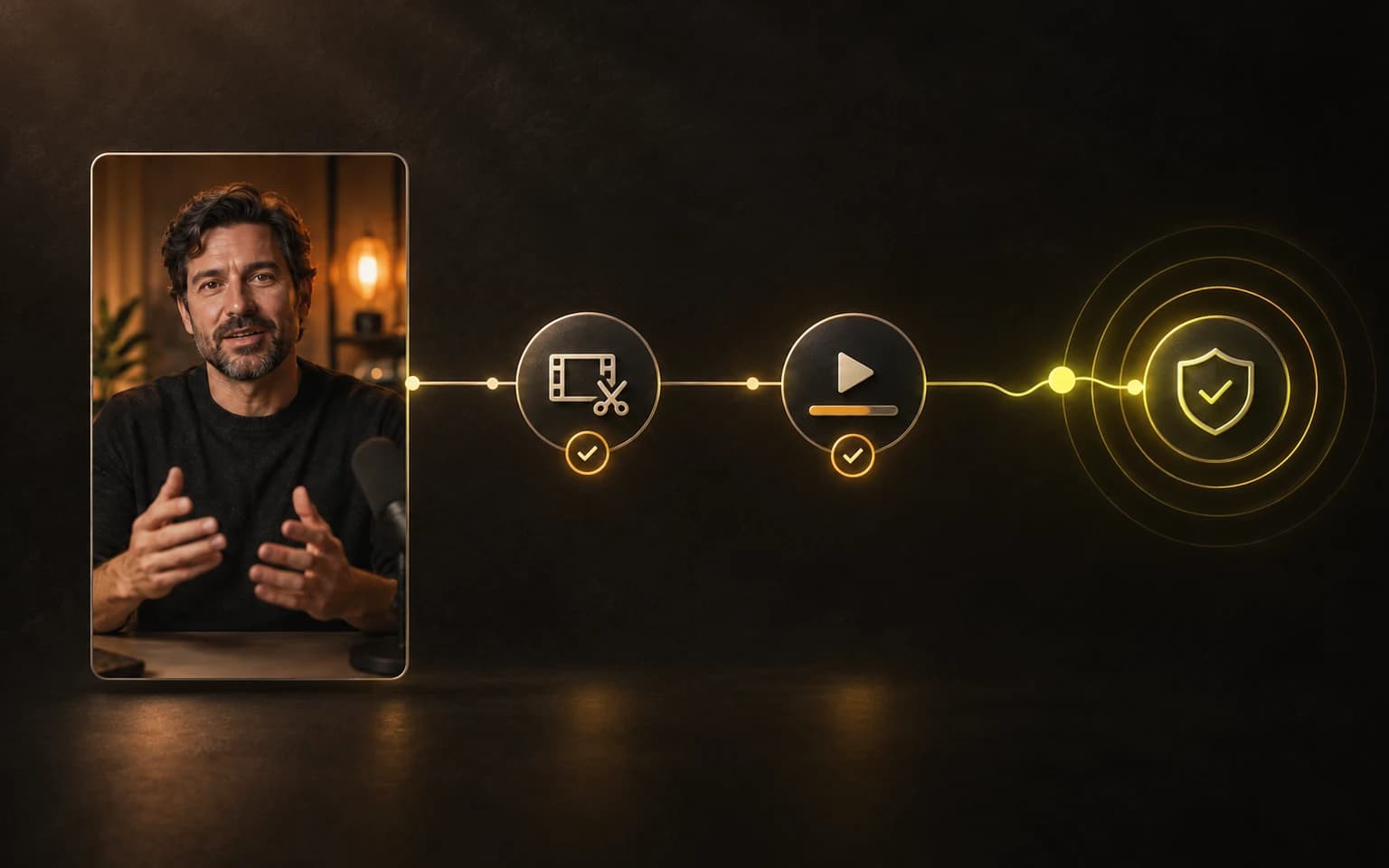
La guía de Webhooks explica los tipos de eventos, la verificación de firmas, los reintentos, la rotación de secretos y cómo probar un endpoint antes de depender de él.
MCP: deja que un asistente de AI use herramientas, no que adivine pantallas
La API pública encaja cuando un desarrollador ya definió la secuencia. MCP sirve cuando el siguiente paso depende de una conversación.
MCP significa Model Context Protocol. Un asistente de AI compatible puede conectarse al endpoint MCP alojado de CaptionBolt y descubrir un conjunto acotado de herramientas: consultar límites de la cuenta, buscar estilos o presets, listar proyectos y comprobar su estado, crear un proyecto a partir de una carga completada, solicitar una exportación, reintentar, cancelar y obtener un resultado.
Eso no significa darle control ilimitado a un agente.
Agregas el servidor de CaptionBolt en un cliente de AI que admita MCP remoto por HTTP con OAuth, inicias sesión en tu navegador y apruebas los permisos que solicita. No hace falta poner una API Key ni un token copiado en el cliente o en un prompt, y puedes desconectar el cliente en cualquier momento desde Settings → Integrations.
La instrucción puede sonar como un acuerdo de trabajo normal:
Enumera los proyectos de CaptionBolt que están listos para revisión. Muéstrame los tres más recientes y no exportes nada hasta que yo lo apruebe.
El asistente puede decidir qué herramienta usar después, pero CaptionBolt sigue aplicando los permisos que aprobaste, el plan actual, la propiedad del proyecto, los créditos y las transiciones de estado válidas. Si la conexión no puede exportar, una frase segura del modelo no cambia ese hecho.
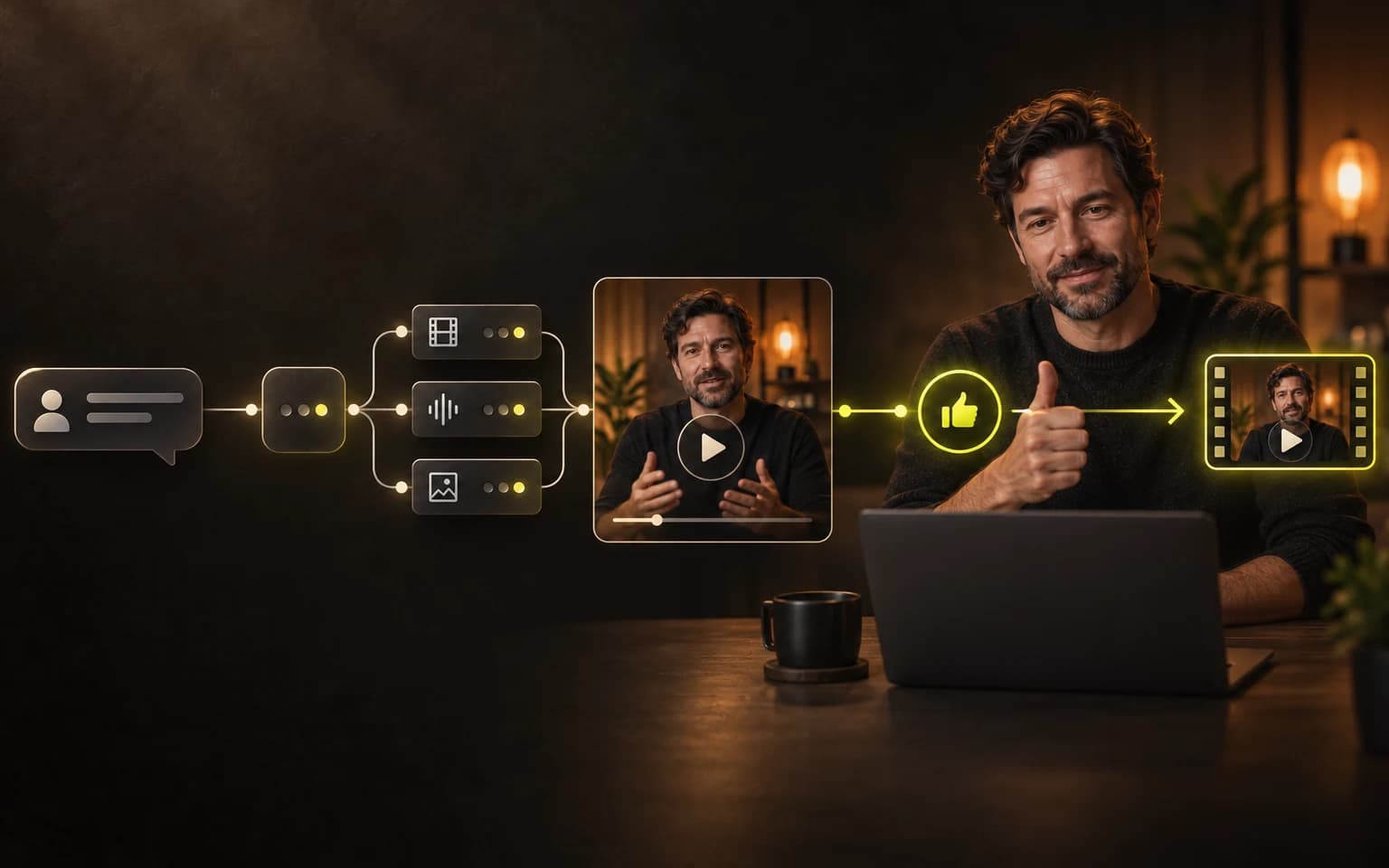
Esta es la parte de MCP que más nos interesa. Le da al asistente una forma de trabajar con el estado real del proyecto, en vez de fingir que entiende un dashboard a partir de una descripción. También le da al producto un límite firme: el asistente solo puede usar las herramientas y los permisos que exponemos.
Consulta la guía para configurar MCP remoto para ver el endpoint, los requisitos de conexión y un primer flujo de revisar antes de exportar.
Tres entradas, un solo conjunto de reglas
REST, Webhooks y MCP resuelven problemas de coordinación distintos:
- REST inicia trabajo y consulta su estado desde software que controlas.
- Webhooks avisan a ese software cuando ocurre un evento importante del proyecto.
- MCP permite que un asistente de AI compatible elija entre las mismas herramientas acotadas durante una conversación.
Por debajo, todos cumplen las mismas reglas de proyectos y exportación.
Fue una decisión de arquitectura y de producto. Una segunda canalización exclusiva para automatizaciones terminaría discrepando con la aplicación sobre subtítulos, créditos, propiedad de proyectos, estado de revisión o exportaciones. Por eso las integraciones reutilizan el flujo que llevamos meses haciendo más resistente.
También significa que las integraciones no evitan los límites de CaptionBolt. La API trabaja con material que ya elegiste. No busca clips virales dentro de una grabación larga, no reencuadra automáticamente a cada persona, no dobla videos, no traduce subtítulos ni publica en redes sociales. Las importaciones por URL remota y la creación independiente de Transcripts tampoco forman parte de la primera versión.
Esos límites no son notas al pie. Son lo que nos permite ofrecer una automatización útil sin volver a abrir la colección de productos poco relacionados que decidimos retirar.
Una buena primera automatización es aburrida
La mejor primera prueba no es una máquina de contenido totalmente autónoma. Es un video real y una entrega que se repite.
Por ejemplo:
- Crea una API Key exclusiva con acceso de lectura y escritura a proyectos. Añade permisos de exportación o Webhooks solo si el flujo los necesita.
- Carga un video conocido y crea el proyecto en modo
review. - Suscríbete al evento de listo en lugar de consultar el estado sin parar.
- Abre el proyecto en CaptionBolt, corrige la transcripción y guarda el resultado.
- Solicita la exportación desde tu sistema, o pide a un asistente conectado que prepare la acción y espere aprobación.
- Recibe el evento de finalización, obtén un enlace nuevo al resultado y guarda el archivo donde tu flujo lo espera.
Cuando esa ruta sea confiable, elimina la coordinación manual que de verdad sea repetitiva. Conserva las decisiones de revisión que protegen las palabras, el encuadre y el resultado final.
Para quién construimos esto
La capa de integraciones es para personas que ya saben dónde encaja CaptionBolt en su proceso.
Puede ser un desarrollador que añade video con subtítulos a un producto existente, una agencia que conecta la recepción de clientes con una cola interna de revisión, un equipo de cursos que procesa lecciones por lotes o una persona de operaciones que quiere que un asistente de AI encuentre el proyecto correcto sin buscar entre pestañas.
No es un requisito para usar CaptionBolt. Si terminas un video a la vez, el navegador sigue siendo el camino más simple. La API no debería convertir un flujo corto en un proyecto de ingeniería solo porque existe un endpoint.
La API pública, MCP remoto y los Webhooks están disponibles para suscriptores Max. Empieza en Settings → Integrations, consulta la descripción general de integraciones y ten cerca la referencia de la API mientras construyes.
Empieza con una entrega. Hazla confiable. Después automatiza la siguiente.