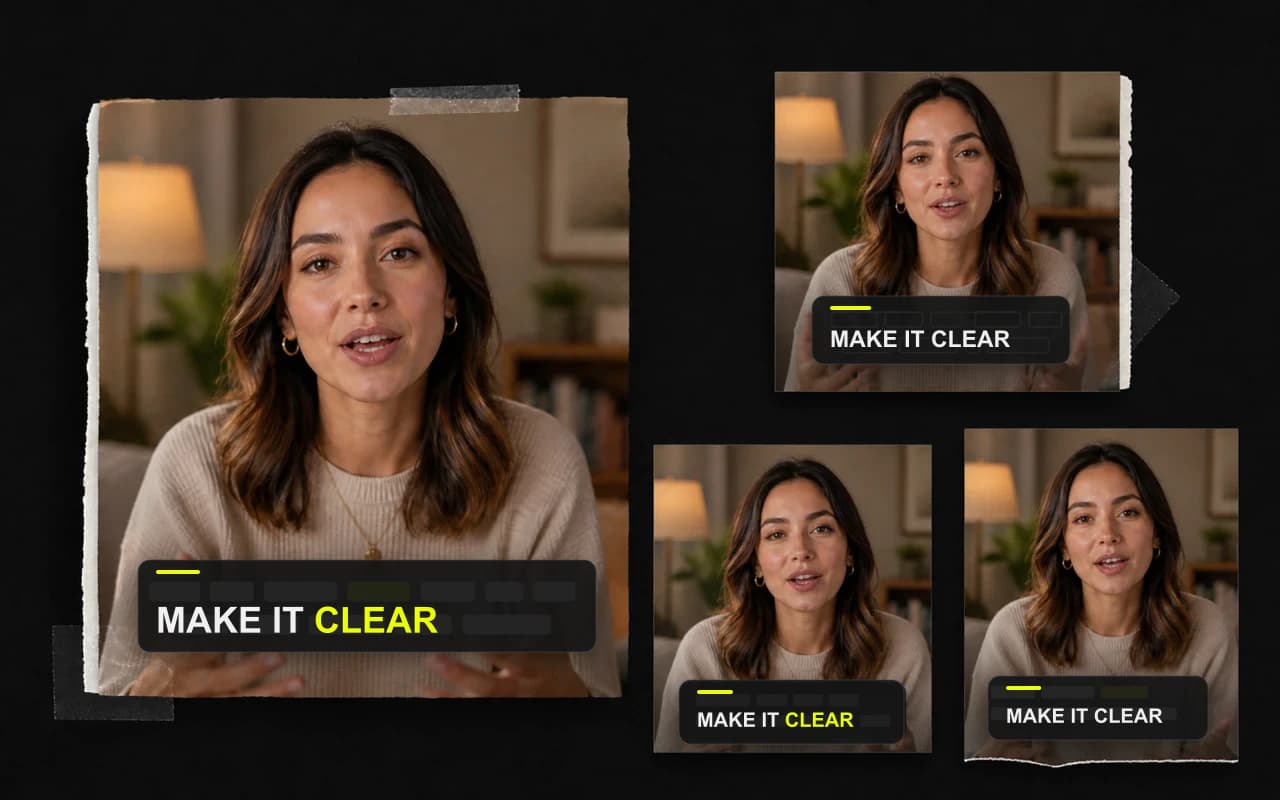
Énfasis cronometrado
Ayude a los espectadores a seguir cada palabra
Los tratamientos de palabras activas permanecen vinculados a la transcripción, por lo que la entrega rápida sigue siendo fácil de rastrear.
Usa movimiento y énfasis sincronizados para seguir mejor una voz rápida sin perder legibilidad.
No se requiere tarjeta

Dale al ojo un recorrido claro
Destaca las palabras cuando la persona las pronuncia.
Elige la energía
Vaya sutil o atrevido.
Verifique el tiempo
Vista previa del movimiento antes de exportar.
Énfasis cronometrado
Los tratamientos de palabras activas permanecen vinculados a la transcripción, por lo que la entrega rápida sigue siendo fácil de rastrear.
Preajustes de movimiento
Previsualiza un estilo de entrada, revelado o énfasis directamente en el video actual.
Plantillas de subtítulos
Explora los 338 estilos y adapta colores y fuentes a tu video.
Termina todo en un solo lugar
Termina la misma grabación sin mover el trabajo a un complicado editor multipista.
Haz que el mensaje se entienda con o sin sonido. CaptionBolt transforma la voz en subtítulos sincronizados y diseñados que puedes pulir rápidamente antes de publicar.
Más informaciónConvierte un acabado aprobado en un sistema visual reutilizable para que el siguiente vídeo empiece con tu marca, no desde cero.
Más informaciónDa al público una razón para quedarse antes de terminar la primera frase. Un Headline en pantalla presenta la promesa sin competir con la historia.
Más informaciónPreguntas
No. Elige un estilo de subtítulos y previsualiza su movimiento integrado directamente sobre el video.
Sí. Reproduce el video en el Editor y comprueba cómo el énfasis sigue las palabras antes de renderizar.
Sí. Busca en el catálogo completo y elige un estilo más sutil o estático cuando el video necesite menos movimiento.
Pruébalo con tu propia grabación
Elige un movimiento que apoye las palabras y la forma natural de hablar.
No se requiere tarjeta
Usamos cookies para recordar tus preferencias, medir el rendimiento del sitio y mejorar CaptionBolt.