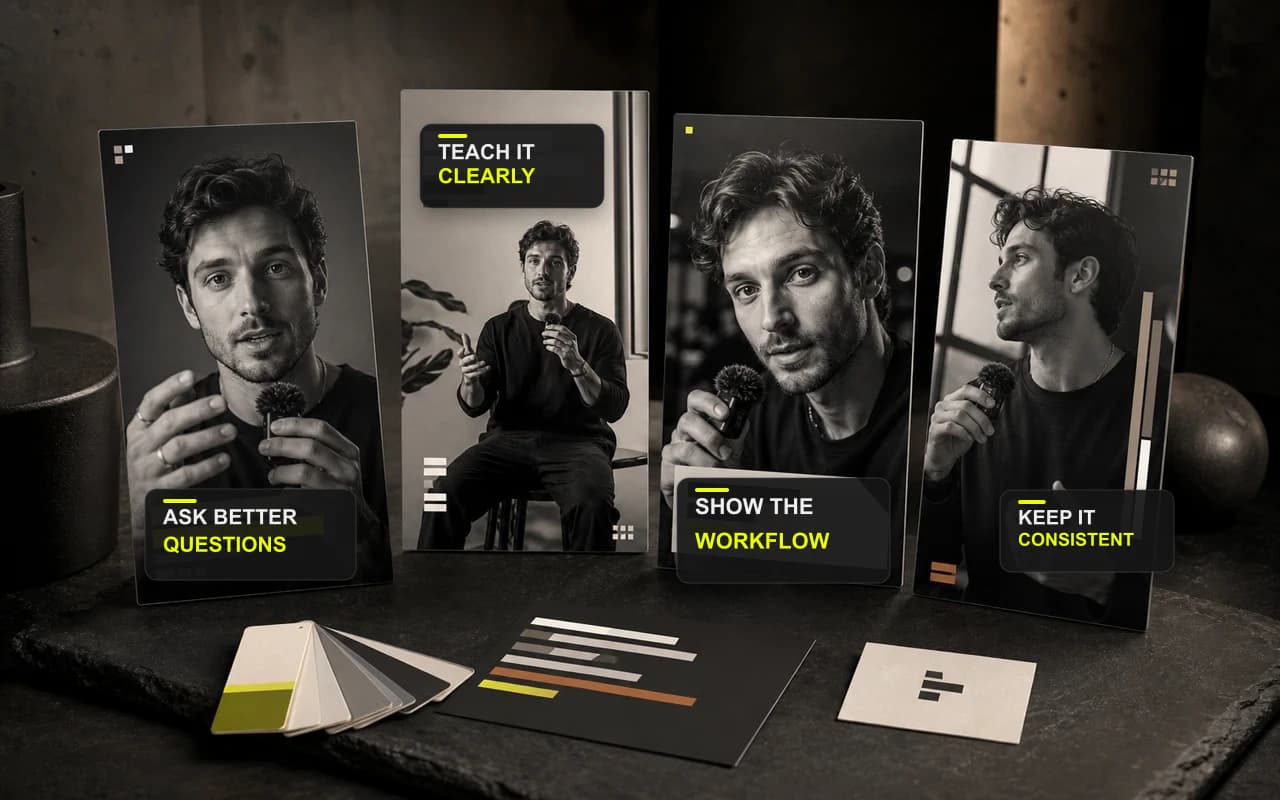
Guardar desde cualquier video
Convierte un aspecto aprobado en un preajuste
Termina los ajustes visuales reutilizables en el Editor y guárdalos juntos sin copiar el contenido ni los cortes del video.
Convierte un acabado aprobado en un sistema visual reutilizable para que el siguiente vídeo empiece con tu marca, no desde cero.
No se requiere tarjeta

Guarda el aspecto que funciona
Convierte la configuración visual que ya aprobaste en un preajuste reutilizable.
Guarda tu propia configuración
Reutiliza el tratamiento visual que ya aprobó.
Mantener los proyectos separados
Reutiliza el estilo visual, no la historia.
Guardar desde cualquier video
Termina los ajustes visuales reutilizables en el Editor y guárdalos juntos sin copiar el contenido ni los cortes del video.
Sus preajustes guardados
Guarda el estilo de los subtítulos, la configuración del lienzo y Resize, la apariencia de Headline y Cover, el logo y la barra de progreso desde el Editor.
Termina todo en un solo lugar
Termina la misma grabación sin mover el trabajo a un complicado editor multipista.
Haz que el mensaje se entienda con o sin sonido. CaptionBolt transforma la voz en subtítulos sincronizados y diseñados que puedes pulir rápidamente antes de publicar.
Más informaciónDa al público una razón para quedarse antes de terminar la primera frase. Un Headline en pantalla presenta la promesa sin competir con la historia.
Más informaciónAñade la marca adecuada sin quitar protagonismo a la persona ni al mensaje, y conserva la misma firma visual en el siguiente vídeo.
Más informaciónPreguntas
Un preajuste guarda ajustes visuales compatibles, como subtítulos, lienzo y Resize, estilo de Headline y Cover, el Logo elegido y la configuración de Progress Bar.
No. Solo cambia el proyecto actual cuando hace clic en «Aplicar preajuste», y la acción se puede deshacer.
No. El texto de la transcripción, B-Roll, Trim, el título y la portada, y la escala de exportación permanecen con el proyecto original. Puede revisar y ajustar cada configuración aplicada antes de exportar.
Pruébalo con tu propia grabación
Guarda una vez un aspecto probado y aplícalo solo cuando un video nuevo lo necesite.
No se requiere tarjeta
Usamos cookies para recordar tus preferencias, medir el rendimiento del sitio y mejorar CaptionBolt.