Three New Tools for Turning Long Videos Into Shorts
Three big features just shipped — AI Viral Clips, AI Reframe, and AI Dubbing. Together they cover the part of the workflow that captions alone could never reach.

Kevin Li
When someone asks me what CaptionBolt does, my answer used to fit in one sentence: it puts captions on your video, fast. That's still true. But over the last few weeks we've shipped three new tools that change what the product can do for anyone making short-form content.
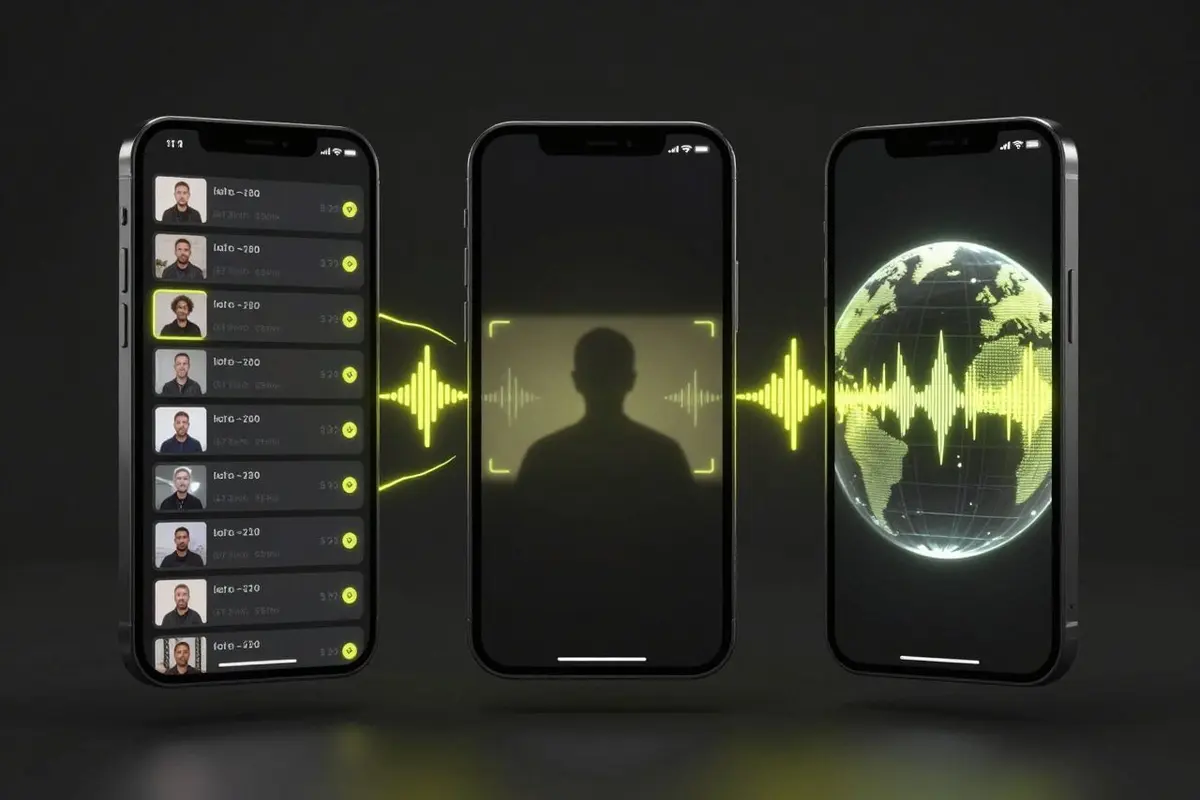
I want to walk through each one — what it does, who it's for, and where it fits in your workflow. The three:
- AI Viral Clips — drop in a long video, get back a set of ready-to-post shorts
- AI Reframe — turn horizontal footage into 9:16 with the speaker actually in frame
- AI Dubbing — extend a video into another language while keeping the qualities of the original voice
Why all three at once? Because they aren't three features. They're one workflow.
The most common job creators are doing right now is taking a long recording — a podcast episode, a sit-down interview, a tutorial, a stream replay — and turning it into clips that work on TikTok, Reels, and YouTube Shorts. Captions are part of that. Reformatting to vertical is part of that. Reaching audiences who don't speak your language is part of that. And picking the right moments out of an hour of recording is the part that takes the longest, the part that no caption tool alone can solve. That full use case now has its own long video to clips page.
So we built our version of the whole thing.
AI Viral Clips
You drop in a long video. You get back a set of short clips, each one ranked by how likely it is to perform.
That's the one-line version. Here's what it actually feels like to use:
- Upload an hour-long podcast or interview.
- Wait a few minutes.
- Get back ten ready-to-publish vertical clips, each with captions burned in, each scored on hook strength, narrative arc, energy, and pacing.
- Click through them, sorted by score by default, and download the ones you want.
- If a clip starts a beat too early or runs a beat too long, drag the bounds and re-render just that one — no rebuild of the whole batch.
The score isn't a magic number. Hover the badge on any clip and you see the breakdown: how strong the opening hook is, whether the segment has a complete arc, where the emotional peaks are, how dense the information is, how the pacing feels, how on-trend the topic is. You'll disagree with it sometimes — plenty of times the right post is the clip ranked #4, not #1. But the ranking gives you a starting point instead of scrubbing through the timeline yourself.
A few details we care about:
Clips don't start mid-word. When the AI proposes a start time that lands halfway through a sentence, we snap it back to the nearest natural pause in the speech. You don't get clips that open with "—and then he said," missing the lead-in.
Each clip renders independently. Two clips at a time go through the queue, each with its own captions, its own crop, its own preview thumbnail. Re-render one, the others don't move. Adjust the bounds on a single clip, only that clip rebuilds.
The whole flow is included. Captions, vertical reframe, and the ranked clips themselves all come out of one upload. You don't pick clips in one place, run them through a captioning step somewhere else, and then resize them in a third tool. Upload once, get publishable shorts back.
AI Reframe
The cheap version of "auto-reframe" is to detect a face and crop a vertical box around it. We tried that approach early on. It isn't enough.
It struggles on two-person interviews — the crop ping-pongs between speakers in a way that's hard to watch. It struggles on tutorials where the camera moves or the speaker steps out of frame. It struggles on group shots where there isn't a single subject to follow.
So Reframe does something more careful. For each segment of your video, it picks one of three layouts based on what's actually happening on screen:
- Tracking crop — when one person is on camera, or one person is clearly the active speaker, the crop follows them. The shot size shifts with the rhythm of the speech: wider when they're setting context, tighter when they're landing a point, pulled back on big reveals. It feels closer to a cut than a resize.
- Split-screen — when two people are on camera together throughout a segment, you get a vertical stack: one face on top, one face on bottom, each tracked independently. We pick which person goes on top once for the whole video and stick with it, so you're not flipping between top and bottom every time the conversation goes back and forth.
- Blur-pad — when there's no clear subject (group shots, B-roll, pure visuals), we don't try to fake it. The original frame stays at its original aspect ratio, with the rest of the canvas filled by a softly blurred copy of the same shot. It looks intentional rather than mangled.
The decision is made automatically, but it isn't a black box. The results page shows you a timeline strip with each segment colored by which layout was picked. Scrub through it, see exactly what was chosen where. If something feels off, you can see why before you ever export.
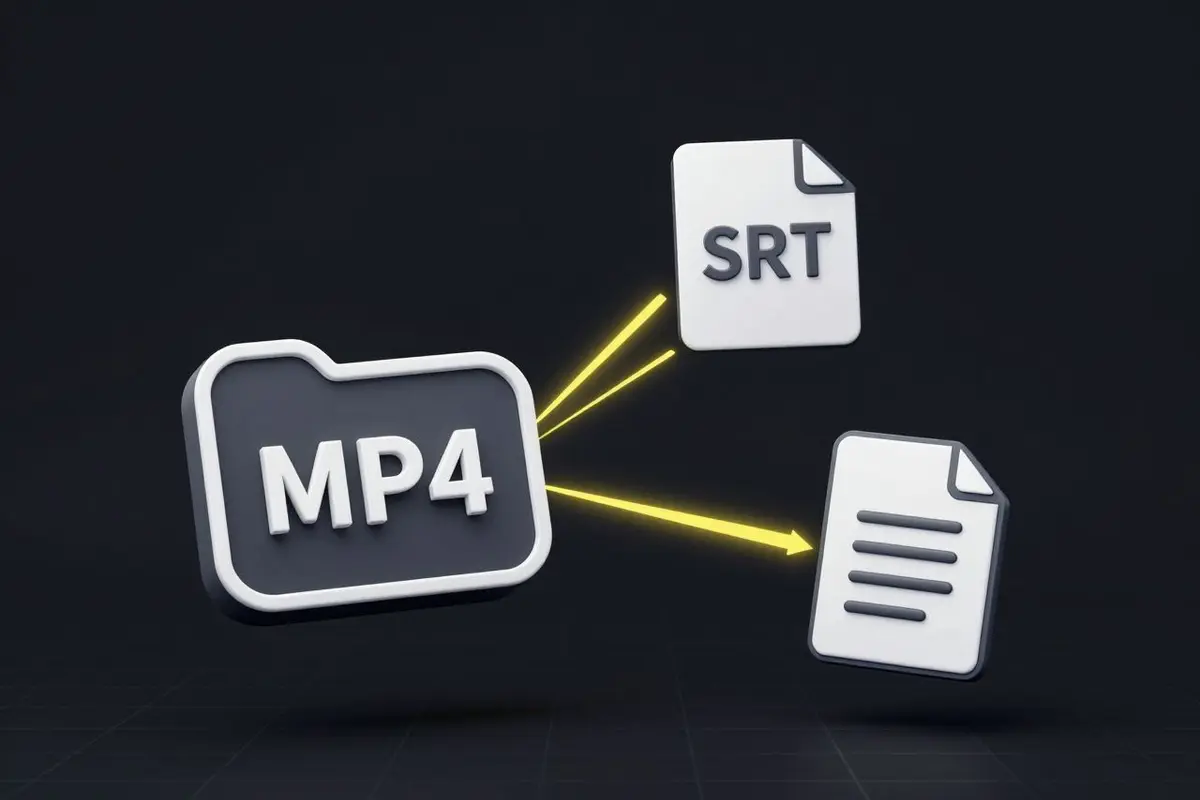
We export caption files (SRT, VTT) alongside the rendered MP4. If you cut in Premiere, DaVinci Resolve, or Final Cut, you can pull just the subtitles into your existing project — no need to re-render the whole video on our side.
AI Dubbing
The shortest section, because the feature is simple on the surface — but the one I think is most underrated.
You upload a video. We translate the spoken content into the target language, generate a dubbed audio track in a voice that matches your speaker, and align the new audio against the original video. By default, the new track preserves the qualities of the original voice across the new language, so the dubbed version sounds like them, not like a generic narrator. You can also pick from a set of stock voices if you'd rather.
Right now we ship ten target languages: English, Chinese, Japanese, Korean, Spanish, French, German, Italian, Portuguese, Russian. We picked these based on where short-form distribution is actually growing — not just where the audience exists, but where creators are publishing in those languages and getting view counts. We'll add more as we're confident the voice quality holds up.
Who this is for: anyone who's already getting views in one language and wants to test whether the same content works in another. The cost of trying — both in time and in money — used to be high enough that most independent creators never bothered. With this, the answer to "would my podcast pop in Spanish?" is one upload away.
What's Still Rough
In the spirit of every previous post on this blog, here's what isn't great yet:
- Viral Clips works best on conversational content — podcasts, interviews, talk-style videos. Pure tutorials with screen recording or heavy graphics get less out of the ranking, because the model is reading the spoken content, not the visuals. We're working on this.
- Reframe hasn't been stress-tested on every kind of footage. Stage talks with crowd cutaways, gaming clips with face-cam in the corner, reaction videos with picture-in-picture — we don't yet have enough real-world data on how the layout decisions hold up. If yours is one of these and the result feels off, send it to us.
- Dubbing covers ten languages, not fifty. We chose accurate over broad. We'll keep adding languages, but only when we're confident the voice quality holds up.
- Long videos take real time. A two-hour podcast is going to take longer than a two-minute clip. There's a real video being analyzed, segmented, and rendered. We've optimized where we can; we'll keep optimizing.
Try Them
All three are live in the dashboard. Viral Clips and Reframe are included on every paid plan — no per-feature add-on. Dubbing comes with ten free minutes when you sign up, so you can test it on a real video before deciding.
If you've been using CaptionBolt for captions only, the rest of the workflow is now sitting in the same tool, on the same plan. From raw footage to a publishable short — that's what we're trying to make easier.
Captions are still the front door. They're not the whole house anymore.
Related Workflows
If you want the practical version of this announcement, start with how to turn long videos into short clips, the long video to clips workflow, or the OpusClip alternative page. For the supporting tools, use video resizer, crop video, and auto subtitles.