Auto subtitle generator for creators
AI Caption Generator for Videos
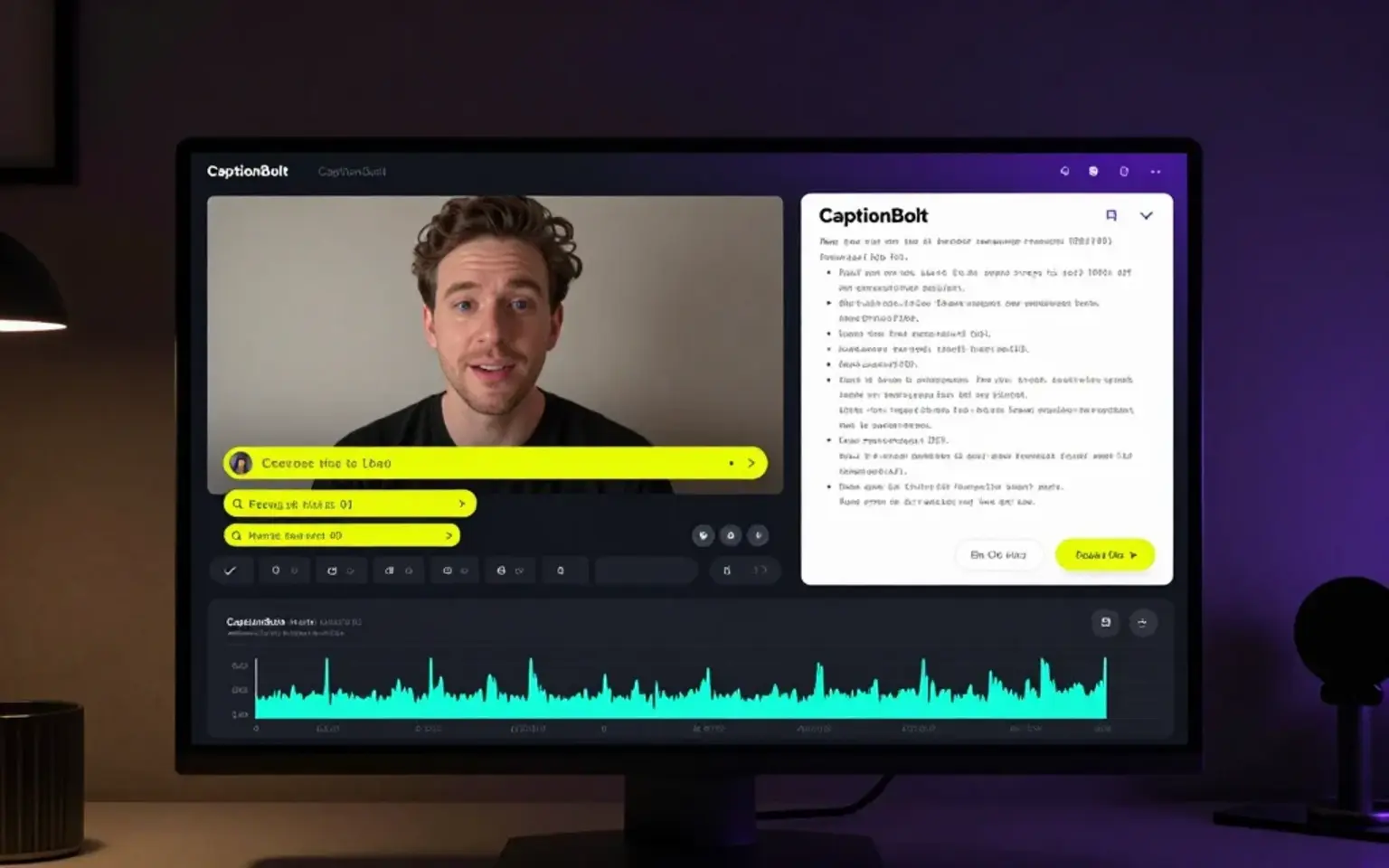
Upload an existing video, use CaptionBolt as an auto subtitle generator to create subtitles and video captions, edit the text, timing, and style, then export a captioned video or subtitle files.


Upload video to captions
How to add subtitles to a video with CaptionBolt
Follow the same task path your search started with: upload a video, generate AI captions, review the words and timing, then export the captioned result.
Upload your video
Start from a talking-head video, podcast clip, interview, webinar, course, or social recording you already own.
Generate subtitles and captions
CaptionBolt turns speech into timed subtitles, video captions, and closed captions, so you are not timing every line from scratch.
Edit text, timing, and style
Fix words, improve line breaks, adjust caption timing, and choose a style that stays readable on fast-scrolling feeds.
Export video or subtitle files
Export a captioned video for publishing, or download subtitle files such as SRT, VTT, and TXT when you need separate caption tracks.
Why captions matter
Make spoken videos easier to watch on silent feeds
Subtitles help viewers understand the hook before they turn sound on. Use CaptionBolt to move from a plain talking-head clip to a captioned version that is easier to scan, review, and publish.
Work when viewers watch without sound
Readable captions help the message come through on muted mobile feeds.
Make speech easier to follow
Synchronized text can help more viewers follow conversations, accents, and spoken-video content.
Review AI captions before publishing
AI gives you a first draft, while you keep control over wording, line breaks, and final style.
Search intent match
One video caption generator for the jobs creators search for
Use CaptionBolt when the goal is to add subtitles to a video, create video captions, or prepare caption files for the places you publish.
Add subtitles to video
Upload a video you already have and add editable subtitles before you publish.
Add captions to video
Create readable video captions for social clips, podcast moments, interviews, and explainers.
Video subtitle generator
Create subtitles for video automatically from speech, then review the transcript before export.
Video caption generator
Prepare AI captions for Shorts, Reels, TikTok, YouTube videos, webinars, courses, and clips.
Subtitle file export
Use SRT, VTT, TXT, or captioned video exports when your workflow needs more than platform auto-captions.
Product proof
From uploaded video to editable captions and exports
CaptionBolt sits between basic free caption tools and heavy video editors: fast enough for creators, structured enough for repeated publishing.
AI captions for videos
Generate subtitles and captions from speech in uploaded videos, with the result editable before publishing.
Transcript-based review
Use the transcript to fix words, find moments, prepare notes, and move faster through review.
Caption styling
Choose caption looks built for social videos instead of relying only on plain platform defaults.
Short-form workflow
Review caption text, choose from all 338 styles, preserve the original frame, then use optional Resize or Trim before export.
Export-ready videos
Prepare burned-in caption videos and subtitle exports such as SRT, VTT, and TXT from the same focused workflow.
Creator and team friendly
Keep repeat subtitle work simple for solo creators, podcasts, interviews, and small content teams.
Why not a basic subtitle tool
Made for publish-ready video captions, not social post captions
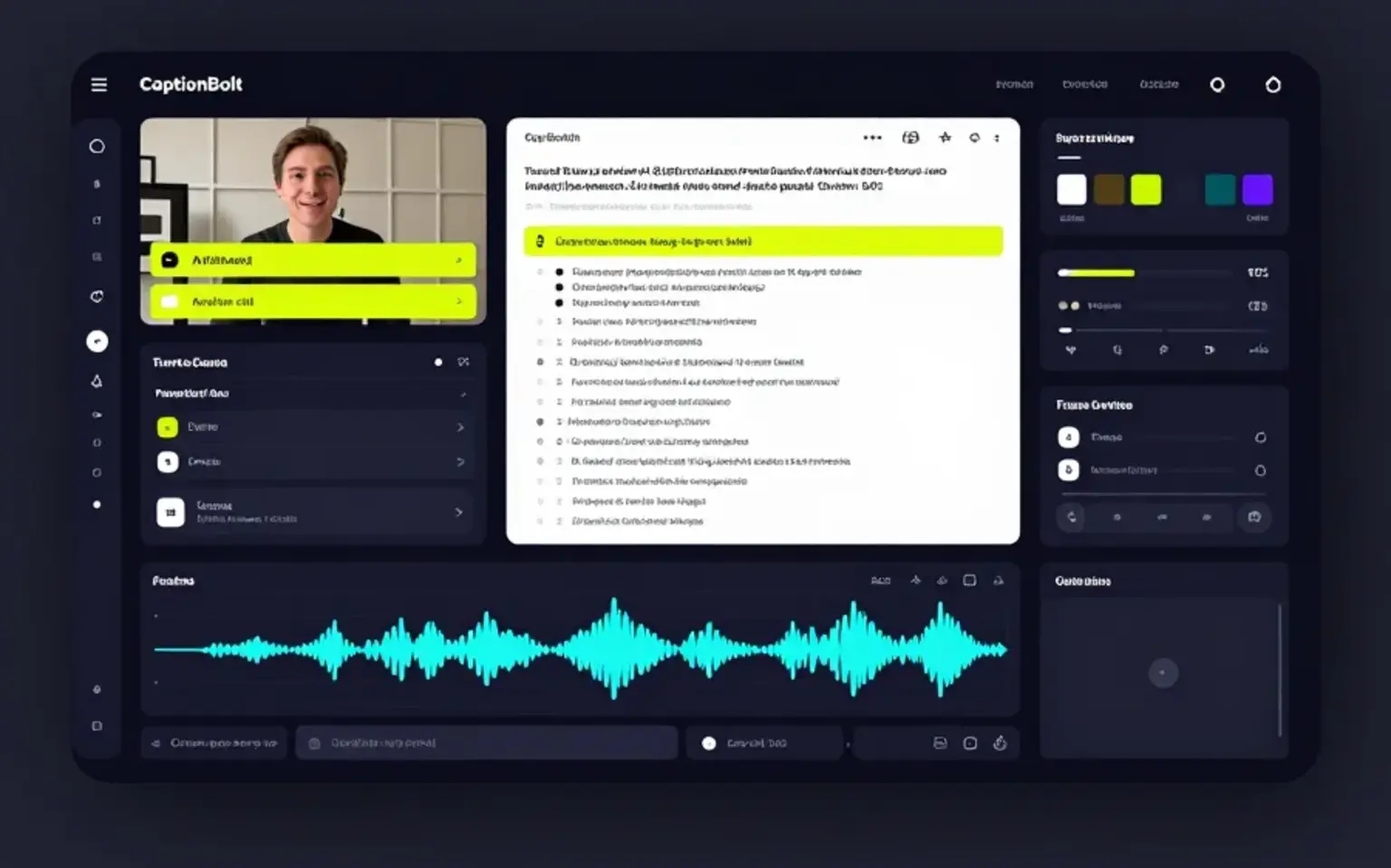
CaptionBolt focuses on a short path from an existing video to editable captions, optional Resize or Trim, and export.
Basic free caption tools
Often fine for quick tests, but may add limits, watermarks, or little control over repeated publishing workflows.
Review the text, use all 338 caption styles on every plan, preserve the original frame, and choose optional Resize or Trim before export.
Built-in platform captions
Useful for playback, but usually limited for caption style, pre-publish review, reusable exports, and cross-platform repurposing.
Review and style subtitles before publishing, then prepare captioned outputs for the places you post.
Heavy video editors
Powerful, but slower when the main job is to caption an existing video and get it ready for social channels.
Use a focused caption editor without opening a multi-track video timeline.
Generic transcription tools
They usually stop at a transcript and leave the captioned video workflow for another tool.
The Transcript workspace is text-only; a separate AI Captions project creates styled captions rendered with video.
Next workflow
Keep working with captions, transcripts, and clips
Use these related pages when your subtitle task starts before or continues after automatic caption generation.
Free Online Subtitle Editor
Edit subtitles online for free. Paste or upload SRT and VTT files, fix timing, sync subtitle lines, validate overlaps, and export SRT, VTT, TXT, or ASS.
Free Online Subtitle Converter
Convert subtitle files online for free. Paste or upload SRT and VTT files, then convert SRT to VTT, VTT to SRT, SRT to TXT, SRT to ASS, or VTT to TXT in your browser.
Start free, no credit card required
Generate captions for your next video
Upload a real video, create an AI caption draft, review the text and timing, and see how CaptionBolt fits your repeat publishing workflow. 10 free minutes included. Plans start at $9/month.
FAQ
AI caption generator questions
What is an AI caption generator for videos?
An AI caption generator converts speech into timed, editable on-screen text. CaptionBolt lets you review the words, choose a style, and export captions with the video.
Can I add subtitles or captions to a video online?
Yes. Upload a video you own or have permission to use, generate subtitles or video captions online, then edit words, timing, line breaks, and style before publishing.
Can I use it for YouTube Shorts, TikTok, and Reels?
Yes. CaptionBolt is designed for creator workflows that include Shorts, Reels, TikTok-style clips, YouTube videos, podcast clips, interviews, courses, and webinars.
Can I edit the subtitles after AI generation?
Yes. CaptionBolt is built around human review, so you can fix words, improve caption breaks, and adjust the output before publishing.
Can I export SRT, VTT, TXT, or burned-in caption videos?
Yes. CaptionBolt supports captioned video exports and subtitle file exports including SRT, VTT, and TXT workflows. Available limits can vary by plan, and the app shows current options before you publish.
Is there a free option?
Yes. You can start for free without a credit card and test the caption workflow on real content. The free account includes 10 minutes to try the product.
How is this different from built-in captions?
Built-in captions stay inside one platform's player and usually offer limited styling or reusable exports. CaptionBolt lets you review and style captions before rendering them with the video.
Does it work for podcasts or interviews?
Yes. CaptionBolt can help caption podcast clips, video interviews, webinars, courses, and other spoken-video formats that need reviewable subtitles.
What languages are supported?
CaptionBolt supports multilingual subtitle workflows. For the best result, start with clear audio and review the generated subtitles before publishing.