Draft publishing copy from your video transcript
One transcript powers editable TikTok and Instagram captions plus a YouTube Shorts title, description, and tags.
Start with your videoEvery result stays editable. Nothing publishes automatically.
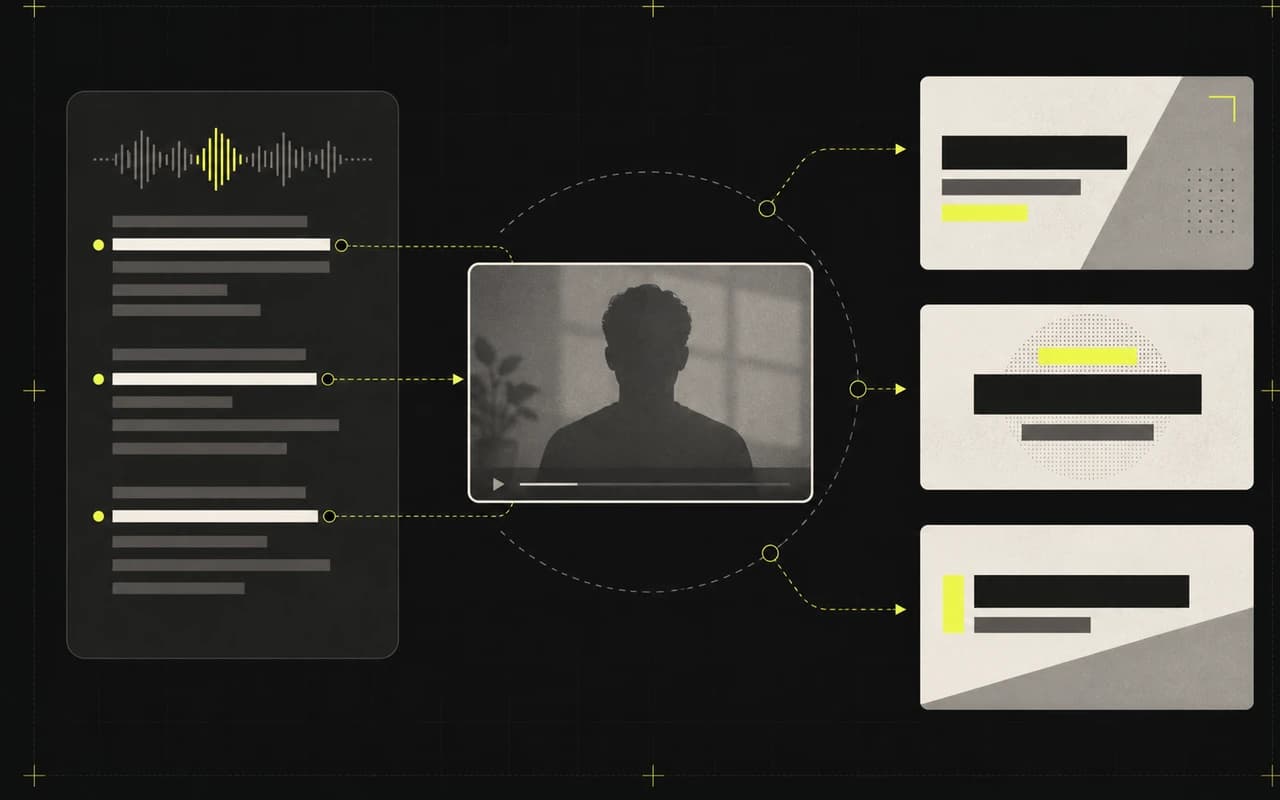
Grounded in your transcript
Every draft starts from your video.
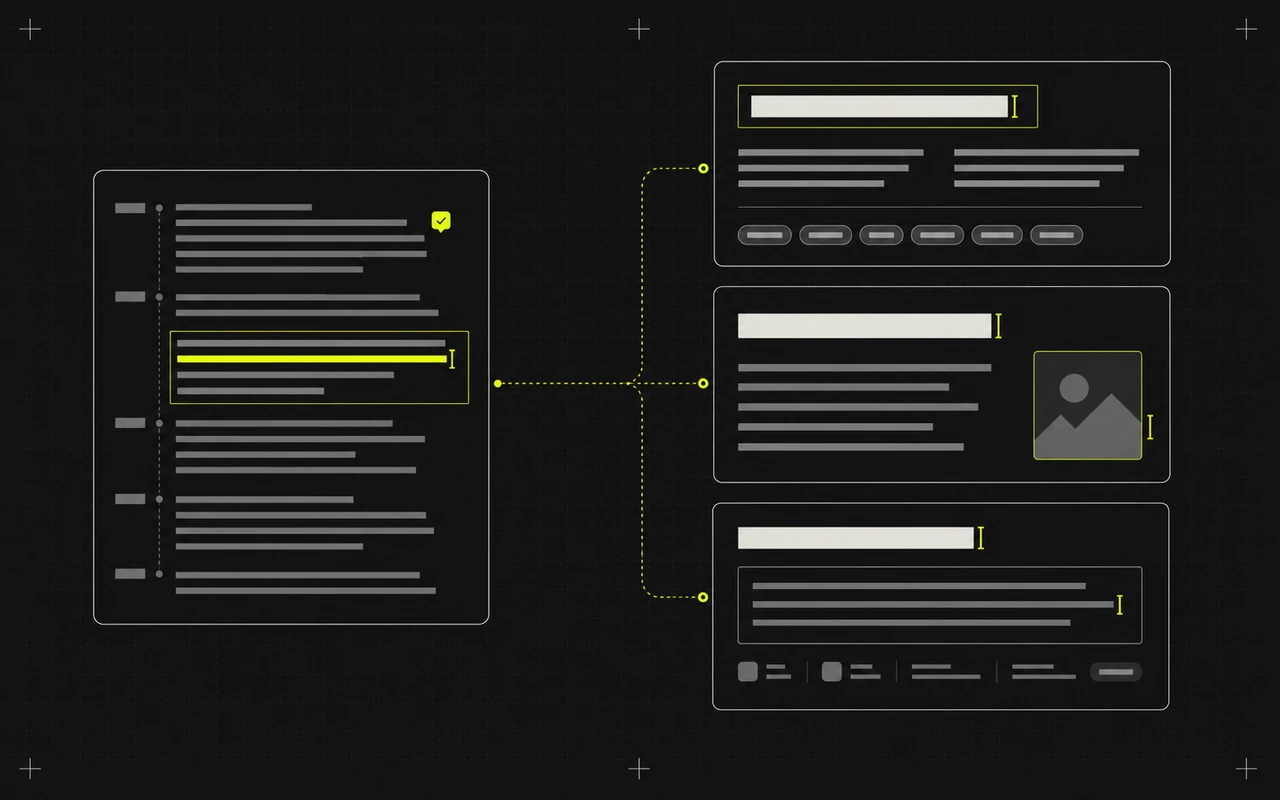
Made to be edited
Keep, rewrite, or discard every result.
You decide what ships
Nothing publishes automatically.
Explore one output at a time
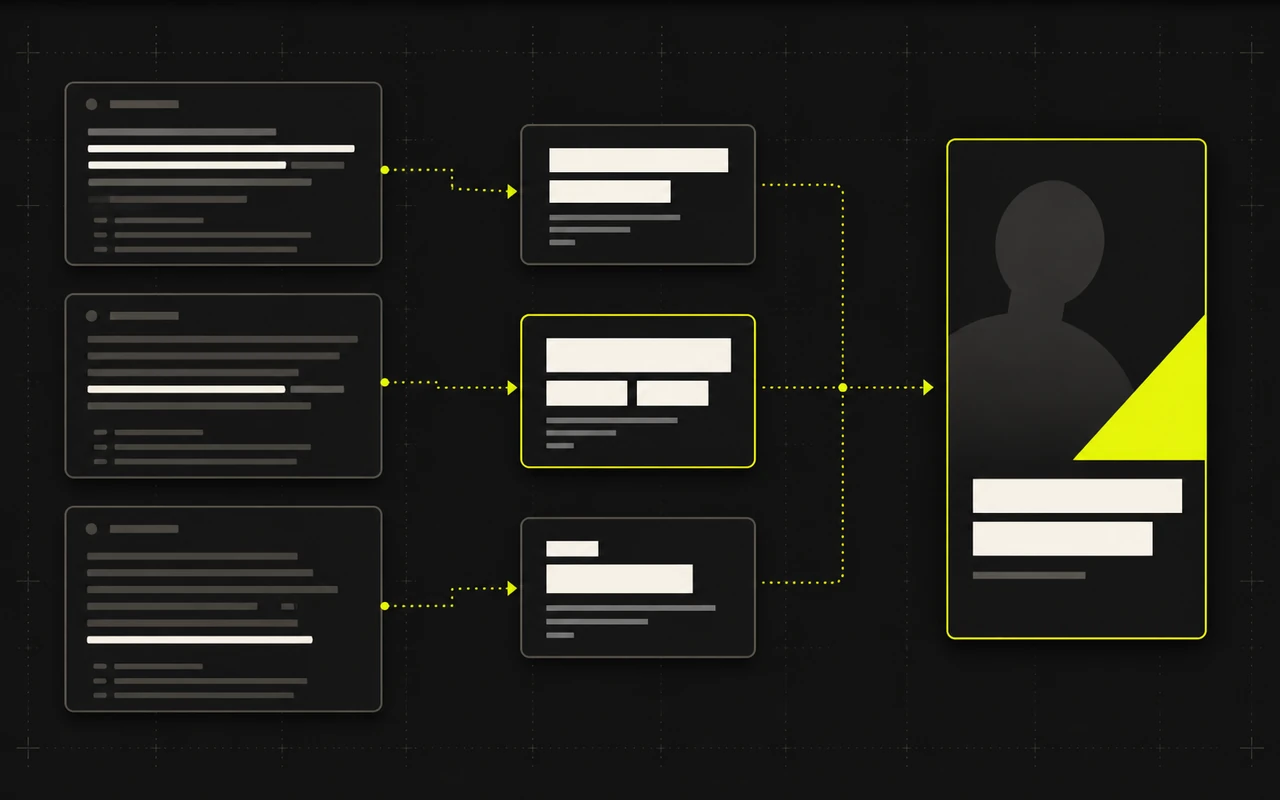
Different publishing needs. One Social posts workspace.
Explore titles, hashtags, or descriptions in more detail. Each one is part of the same Social posts workflow.
After the edit
From finished video to approved copy
Generated text begins after the core video works. Review every field, add missing context, and copy only what you approve.
- 01
Finish the video
Complete captions and framing, plus optional manual Trim.
- 02
Generate Social posts
Draft the supported channel fields from the transcript.
- 03
Edit the draft
Add context, remove weak suggestions, and copy what you approve.
Reuse the work already inside the video
Finish the video first. Draft the publishing copy next.
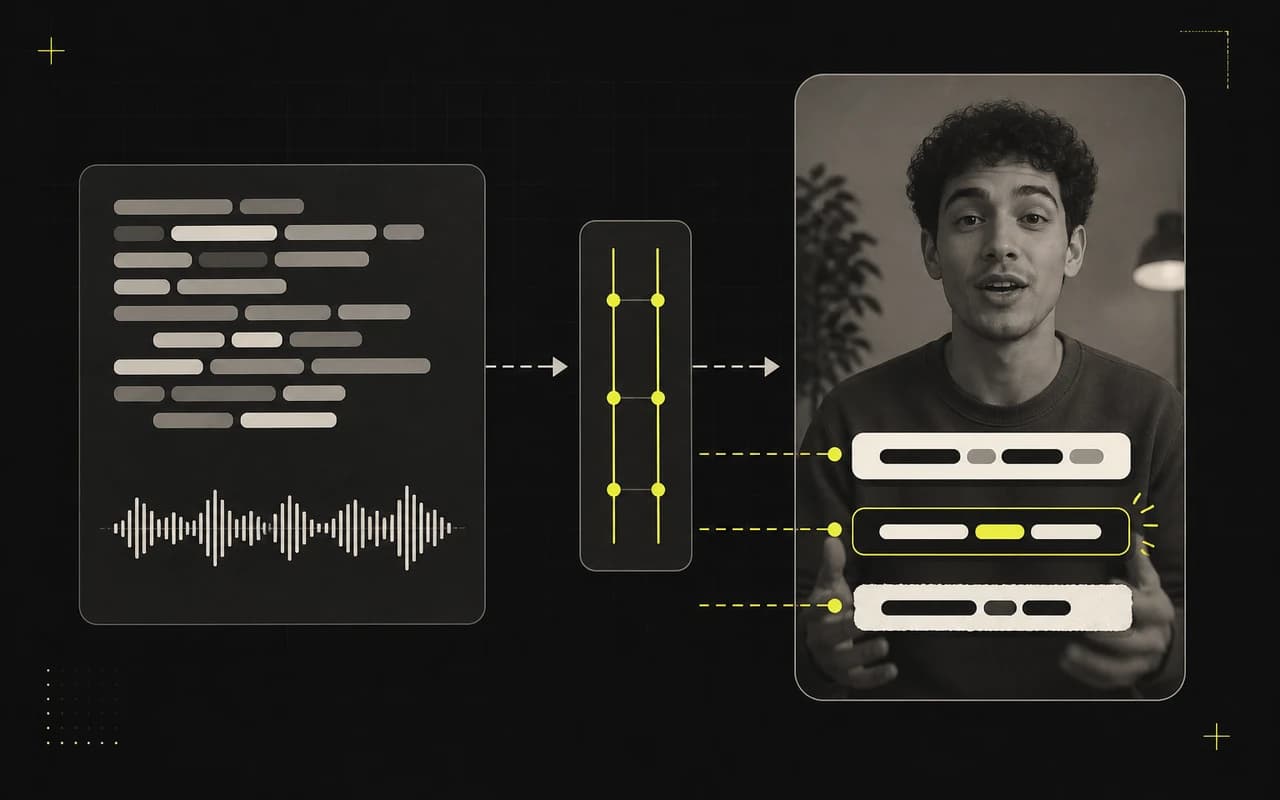
Reuse one transcript across TikTok, Instagram Reels, and YouTube Shorts.
No credit card required

One workspace, three destinations
Prepare each platform's post copy together
Social posts uses the same transcript to draft channel-specific copy for TikTok, Instagram Reels, and YouTube Shorts.
TikTok
01Caption and hashtags
Draft a concise post from the video's topic, then edit the language and hashtag list.
Instagram Reels
02Caption and hashtags
Prepare a Reels-specific draft without asking another tool to rediscover the video's message.
YouTube Shorts
03Title, description, and tags
Package the Short with compact copy. Descriptions stay concise and omit timestamps and chapters.