Untertitelorientiertes Video-Finishing
Mach das Video fertig, das du schon aufgenommen hast.
Beginne mit gestalteten Untertiteln und dem Originalbild. Passe Wörter, Tempo, Format, Geschichte und Marke nur dort an, wo das Video es braucht – ohne in ein vollständiges Schnittprogramm zu wechseln.
Erstes Video fertigstellenKeine Karte nötig. Vor dem Export prüfen.

Komm schneller zu einer starken ersten Version
Verwandle aufgenommene Sprache in einem fokussierten Ablauf in gestaltete, bearbeitbare Untertitel.
Mach zuerst das Wesentliche fertig
Behalte das Originalbild und nutze Resize, Clip und Finishing-Tools nur, wenn sie helfen.
AI beginnt. Du bestätigst das Finish.
Prüfe Wörter, Schnitte, Bilder und Veröffentlichungstext, bevor etwas endgültig wird.
Untertitel und Inhalt
Mach jedes Wort leicht verständlich.
Verwandle Sprache in gestaltete Untertitel und korrigiere, was das Publikum liest, ohne den aufgenommenen Auftritt zu verändern.
AI Untertitel
Machen Sie Ihre Botschaft mit oder ohne Ton leicht verständlich. CaptionBolt verwandelt Sprache in zeitlich abgestimmte, gestaltete Untertitel, die Sie vor der Veröffentlichung schnell verfeinern können.
Entdecken Sie AI UntertitelText Editor
Korrigiere ein Wort, ordne eine Zeile neu oder blende einen Untertitel aus, ohne Video, Ton oder Sprechrhythmus zu verändern.
Entdecken Sie Text Editor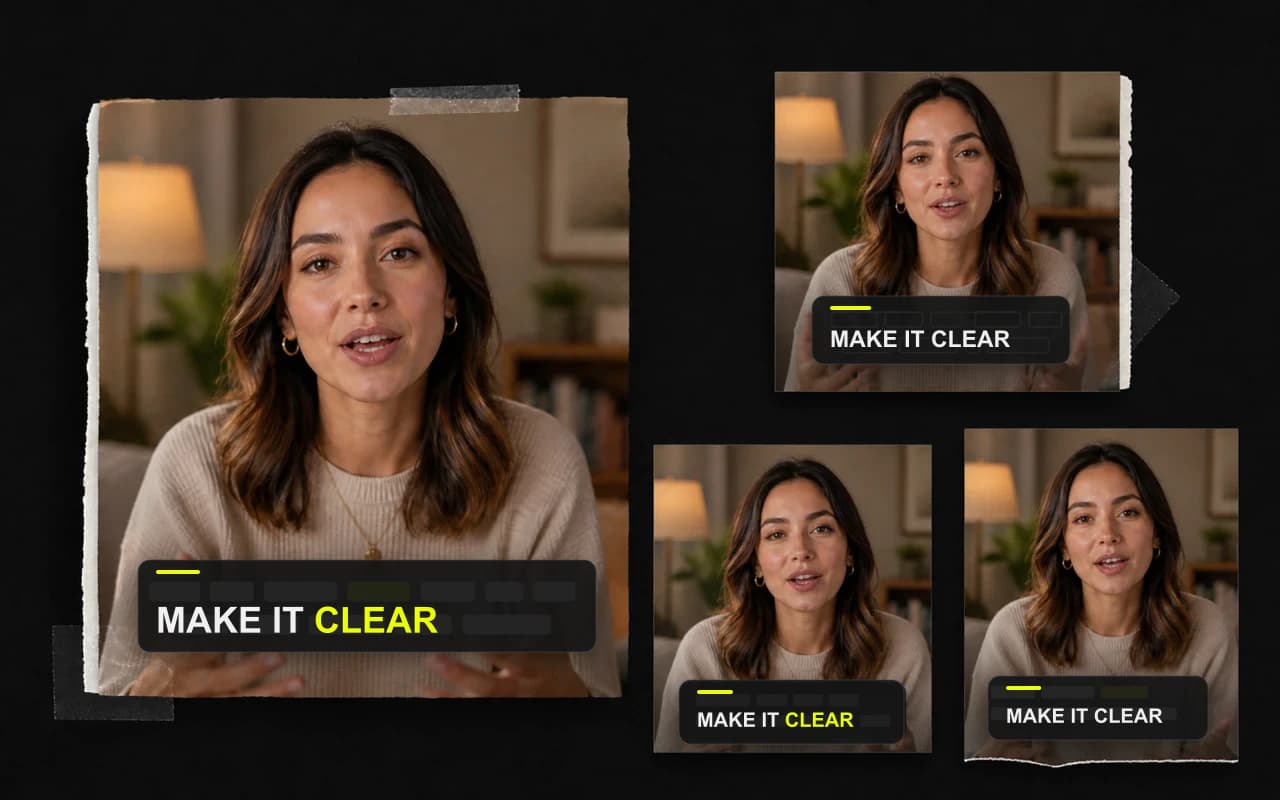
Bild und Tempo
Passe den Rahmen an. Straffe das Tempo.
Wähle das Format, schneide bremsende Stellen und bereinige lange Pausen nur, wenn sie stören.
Größe ändern und zuschneiden
Behalte die aufgenommene Komposition oder passe sie an den Feed an. Wähle Seitenverhältnis und Hintergrund und prüfe Sprecher, Untertitel und Botschaft zusammen.
Entdecken Sie Größe ändern und zuschneidenClip bearbeiten
Entfernen Sie einen langsamen Einstieg, ein loses Ende oder störende Pausen, während die Wörter bei der Sprache bleiben. Das Ergebnis wirkt klarer, ohne zum komplexen Timeline-Projekt zu werden.
Entdecken Sie Clip bearbeitenSpeech cleanup
Finde längere Stille, die die Aufnahme bremst, und stelle wertvolle Pausen wieder her. Jeder Schnitt bleibt sichtbar, prüfbar und rückgängig zu machen.
Entdecken Sie Speech cleanup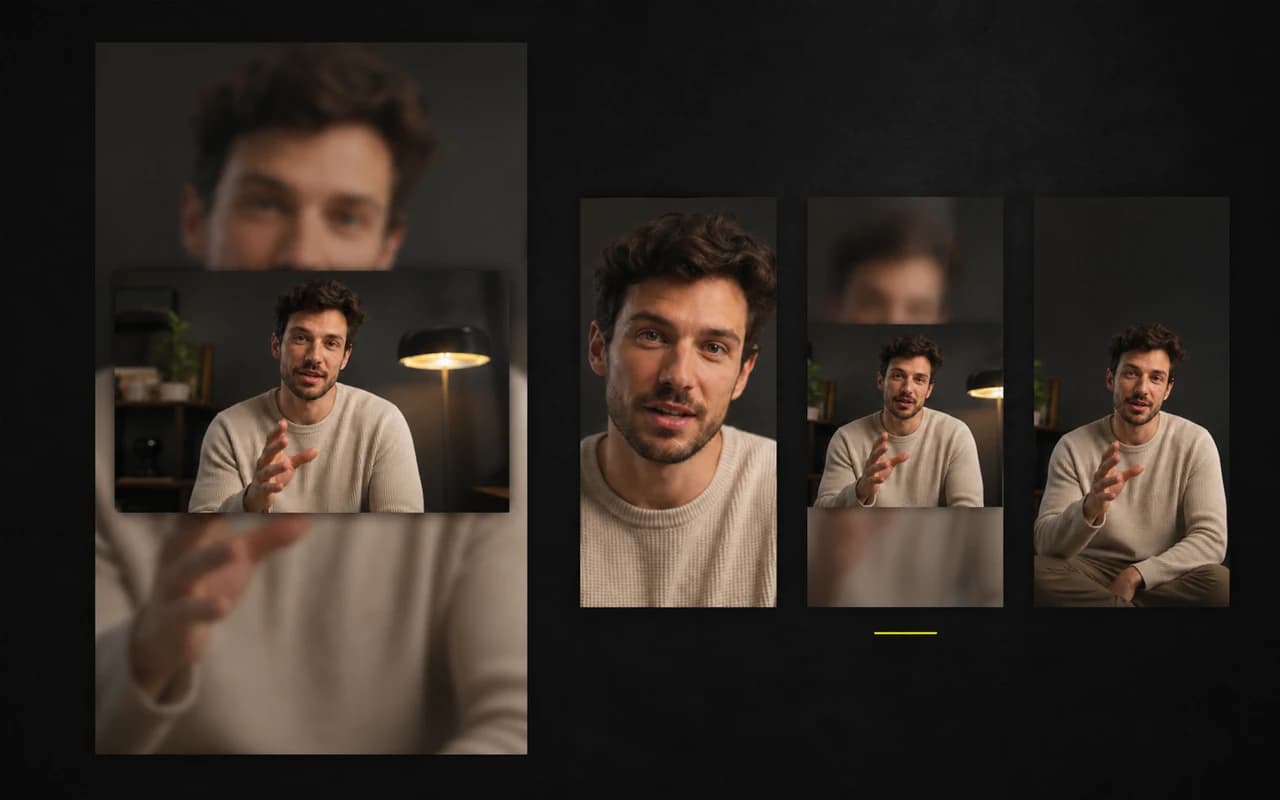
Eröffnung und Geschichte
Mach den Einstieg klar. Zeig mehr von der Geschichte.
Rahme den Nutzen mit Headline oder Cover und ergänze B-Roll, wenn Worte visuellen Kontext brauchen.
On-Video Headline
Geben Sie Zuschauern einen Grund zu bleiben, bevor der erste Satz endet. Eine Headline im Video macht das Versprechen sichtbar, ohne die Story zu überlagern.
Entdecken Sie On-Video HeadlineCover
Mach aus dem eigentlichen Nutzen des Videos ein optionales Cover. Starte mit 24 anpassbaren Designs und passe Text, Look und Dauer an.
Entdecken Sie CoverSmart B-Roll
Füge visuellen Kontext hinzu, wenn Worte allein nicht reichen. Nutze Transkriptvorschläge, suche in Pexels oder lade eigene Medien hoch – du entscheidest, was in die Geschichte gehört.
Entdecken Sie Smart B-Roll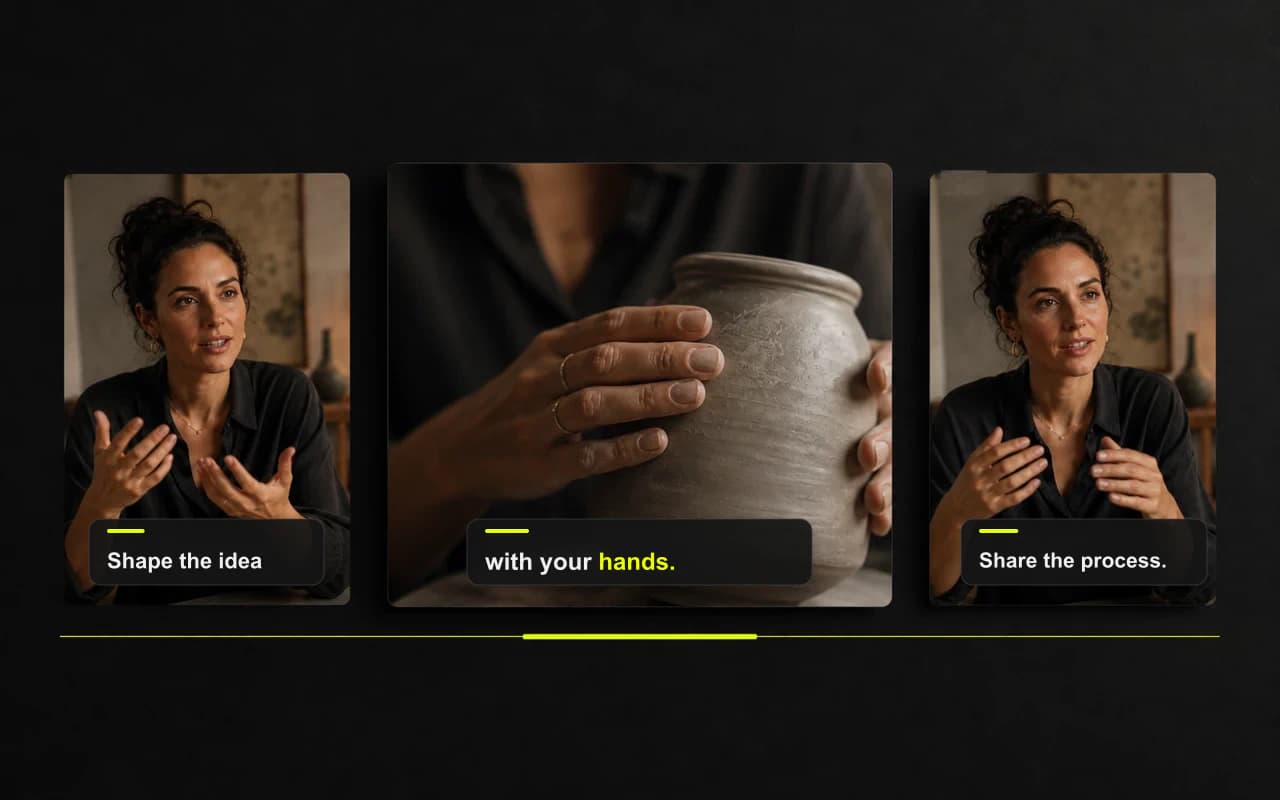
Marke und Veröffentlichung
Baue ein wiedererkennbares Finish. Nutze es erneut.
Füge Markendetails hinzu, speichere den bestätigten Look als Preset und übertrage die Botschaft in bearbeitbaren Social-Text.
Logo und Wasserzeichen
Setzen Sie das passende Markenzeichen, ohne Sprecher oder Inhalt die Aufmerksamkeit zu nehmen, und halten Sie die Platzierung im nächsten Video konsistent.
Entdecken Sie Logo und WasserzeichenFortschrittsbalken
Füge einen klaren Fortschrittshinweis hinzu, der dem finalen Schnitt folgt, zum visuellen System passt und der Botschaft Raum lässt.
Entdecken Sie FortschrittsbalkenVideo-Presets
Machen Sie aus einem freigegebenen Finish ein wiederverwendbares visuelles System, damit das nächste Video markengerecht beginnt statt wieder bei null.
Entdecken Sie Video-PresetsAI-Generator für Social Posts
Verwandle das Transkript eines fertigen Videos in unterschiedliche Entwürfe für TikTok, Instagram Reels und YouTube Shorts. Halte die Botschaft konsistent, ohne jeden Post von Grund auf neu zu schreiben.
Entdecken Sie AI-Generator für Social Posts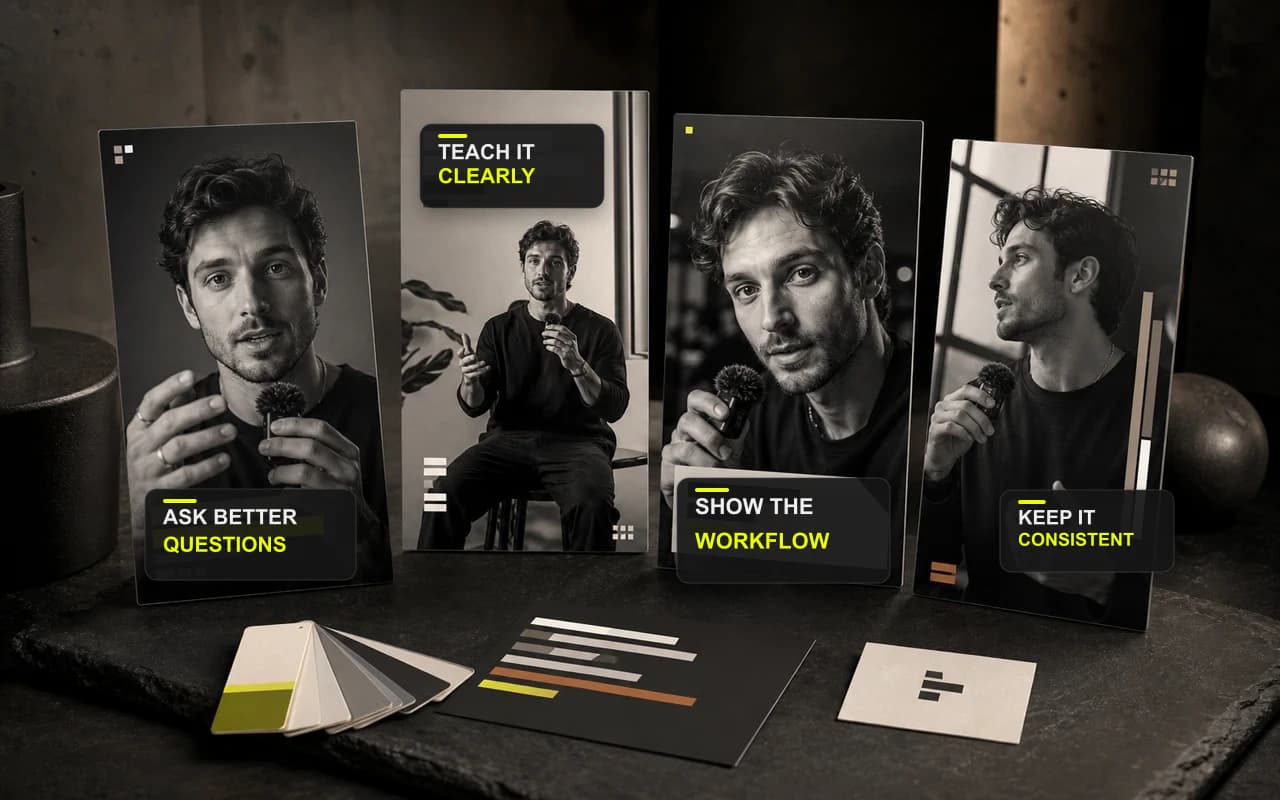
Animierte Untertitel
Lass die Wörter mit der Stimme mitgehen.
Nutze zeitlich abgestimmte Betonung, damit schnelle Sprache leichter zu folgen ist, ohne das Video zur Effektdemo zu machen.
Animierte Untertitel
Lass die Wörter mit der Stimme mitgehen.
Mit deinem eigenen Material starten
Dein nächstes fertiges Video beginnt mit der Aufnahme, die du schon hast.
Lade die Aufnahme hoch, prüfe das erste Ergebnis und exportiere nur die Version, die du bestätigst.
Keine Kreditkarte erforderlich