Flusso di lavoro di trascrizione video per i creator
Un flusso di lavoro di trascrizione video incentrato sul creator per sottotitoli, note, brevi clip, riutilizzo dei contenuti e revisione più pulita dopo la registrazione.

Kevin Li
Un flusso di lavoro di trascrizione video per i creator non dovrebbe fermarsi a "cogliere le parole". La trascrizione è utile perché ti consente di muoverti più velocemente dopo la registrazione.
Con una trascrizione pulita puoi aggiungere sottotitoli, estrarre citazioni, trovare clip candidati, scrivere descrizioni e note e cercare ciò che è stato detto senza scorrere continuamente il video. L’obiettivo è mantenere collegati questi risultati.
Passaggio 1: trascrivi prima di modificare troppo
Se la registrazione rientra nel limite per caricamento del piano CaptionBolt, trascrivi presto: il testo offre una mappa leggibile del video. Per fonti più lunghe usa uno strumento di trascrizione lunga o dividile fuori da CaptionBolt.
Ciò è particolarmente utile per podcast, interviste, tutorial, demo di prodotti e chiamate registrate. Invece di cercare nella sequenza temporale a memoria, puoi cercare nella trascrizione nomi, domande, argomenti e linee forti.
Carica il file su un strumento di trascrizione video, genera la trascrizione ed esegui un rapido passaggio di qualità. Non hai bisogno di una trascrizione perfetta prima della modifica, ma hai bisogno di una precisione sufficiente per poterla considerare affidabile come una mappa.
Passaggio 2: contrassegna le sezioni utili
Leggi la trascrizione con una semplice domanda: cosa sarebbe utile al di fuori del video completo?
Cerca una risposta chiara, un'opinione forte, un errore spiegato onestamente, una breve storia o un consiglio pratico. Questi momenti spesso diventano clip, post sui social, sezioni di newsletter o timestamp nella descrizione finale.
Non cercare solo il momento più rumoroso. Alcuni dei migliori clip sono silenziosi ma completi. Una clip utile ha un contesto, un punto e un finale naturale.
Passaggio 2.5: contrassegnare i momenti in base al lavoro
Quando contrassegni le sezioni della trascrizione, taggale in base a ciò che potrebbero diventare. Una riga potrebbe essere un gancio per clip, una citazione in una newsletter, un capitolo YouTube o una nota in un articolo di supporto.
Ciò evita che la revisione diventi vaga. Invece di evidenziare metà della trascrizione, stai prendendo decisioni. "Questa è una clip." "Questa è una nota dello spettacolo." "Questo spiega una caratteristica." "Questo è utile solo all'interno del video completo."
Anche un semplice tag nelle tue note può farti risparmiare tempo in seguito. La stessa trascrizione può supportare più canali senza trasformarsi in una pila di testo copiato.
Passaggio 3: output separati
I creator spesso cercano di forzare un output per svolgere ogni lavoro. Questo rallenta tutto.
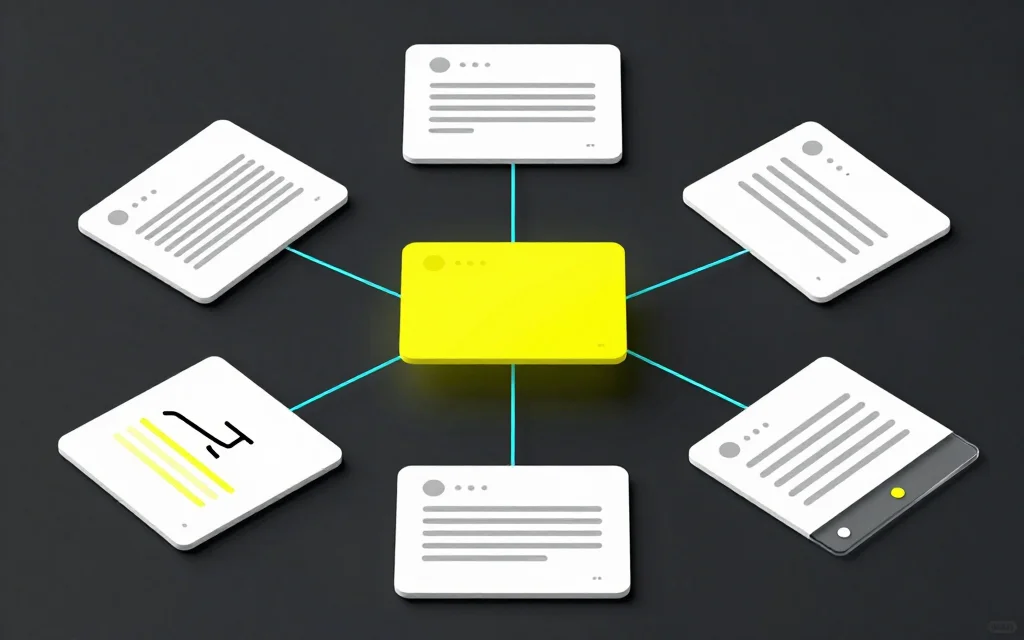
Utilizza una trascrizione come fonte, quindi crea diversi output:
- Un file di sottotitoli per il video
- Una trascrizione pulita per gli appunti
- Alcune citazioni per i post sui social
- Ritaglia i candidati per le piattaforme in formato breve
- Una bozza di titolo e descrizione
La trascrizione è lo strato di base. Ogni uscita può essere modificata in modo diverso.
Passaggio 3.5: mantieni la voce del creator
Quando trasformi una trascrizione in note o sottotitoli, non ammorbidirla così tanto da far scomparire lo speaker. Gli spettatori seguono i creator in parte a causa del ritmo, del fraseggio e della personalità.
Elimina gli errori evidenti. Rimuovi le distrazioni quando necessario. Ma se una frase suona come quella del creator e il significato è chiaro, mantienila. Una trascrizione trasformata in testo di marketing generico è meno utile per i sottotitoli e meno credibile come clip.
Ciò è particolarmente vero per i creator e i fondatori solisti. La trascrizione è spesso la versione scritta più fedele a come viene effettivamente spiegato il prodotto, l'argomento o la storia. Conservalo dove puoi.
Passaggio 4: crea i sottotitoli dalla trascrizione
Se il video necessita di sottotitoli, utilizza la trascrizione per creare sottotitoli temporizzati. Per i video social, utilizza un generatore automatico di sottotitoli in modo che i sottotitoli siano visibili nell’MP4 esportato.
Per YouTube o flussi di lavoro di montaggio, esporta SRT o VTT. Se hai bisogno di correggere il timing o riscrivere le battute, usa editor di sottotitoli. Se devi modificare i formati, utilizza convertitore di sottotitoli.
La trascrizione e il file dei sottotitoli dovrebbero concordare, ma non devono sembrare identici. I sottotitoli necessitano di linee più brevi e di un ritmo migliore.
Passaggio 5: trasforma le registrazioni lunghe in clip
Una volta ottenuta una trascrizione, il ritaglio diventa più semplice. Puoi scegliere le sezioni in base al contenuto reale invece di scorrere le forme d'onda.
Per podcast e interviste, seleziona clip che rispondono a una domanda o raccontano una storia. Per i tutorial, trascina clip attorno a un problema e una soluzione specifici. Per i webinar, cerca i momenti in cui lo speaker spiega chiaramente un concetto senza bisogno di venti minuti di configurazione.
Per le fasi editoriali, segui la guida dalle registrazioni lunghe alle clip. Spiega come scegliere e tagliare manualmente un momento; CaptionBolt non automatizza il rilevamento delle clip né il primo taglio.
Errori comuni
Un errore è pulire la trascrizione in modo troppo aggressivo prima di conoscerne l'uso finale. Se ne rimuovi troppo, potresti perdere il ritmo dello speaker.
Un altro errore è saltare il contesto dello speaker. Una citazione può sembrare forte nel testo ma creare confusione come clip se lo spettatore non sa a quale domanda è stata data risposta.
I creator dimenticano anche di conservare una trascrizione della fonte. Salva una versione pulita prima di dividerla in sottotitoli, note e clip. Rende più facili le modifiche successive.
Quando questo flusso di lavoro è eccessivo
Se stai pubblicando un video di dieci secondi con una sola riga di discorso, potresti non aver bisogno di un flusso di lavoro di trascrizione completo. Genera sottotitoli, controllale ed esporta.
Il flusso di lavoro diventa prezioso quando la fonte ha abbastanza sostanza da riutilizzare: interviste, podcast, webinar, lezioni, demo di prodotti e video lunghi con persone in camera.
Per i video molto brevi, la domanda migliore è solitamente "i sottotitoli sono leggibili?" piuttosto che "abbiamo un flusso di lavoro di trascrizione completo?" Mantieni il processo proporzionale al contenuto.
Domande frequenti
Perché i creator dovrebbero trascrivere i video?
La trascrizione rende il parlato ricercabile nel testo e riutilizzabile. Aiuta con sottotitoli, note, clip candidati, descrizioni e pianificazione dei contenuti.
Una trascrizione è uguale ai sottotitoli?
No. Una trascrizione è un testo. I sottotitoli sono blocchi temporizzati destinati ad apparire durante la riproduzione del video.
Come posso trovare clip da una trascrizione?
Cerca idee complete: una domanda e una risposta, un breve racconto, un'opinione forte o un suggerimento utile che possa reggere da solo.
Dovrei pubblicare la trascrizione completa?
A volte. Le trascrizioni complete sono utili per lettura e consultazione, ma devono essere abbastanza pulite da seguire. Per una riproduzione accessibile, fornisci anche una traccia di sottotitoli temporizzata e revisionata.
Quali strumenti si adattano a questo flusso di lavoro?
Inizia con trascrizione video, quindi utilizza i sottotitoli, i ritagli o trascrizione del podcast a seconda della fonte.