Video transcription for creators
Video to Transcript Generator for Creators
Upload a video and generate an editable transcript that stays connected to playback for review, search, replacement, and download.
Try it with your video
Upload a video to generate a transcript
Create a free account to start the transcription workflow. No credit card required.
MP4, MOV, WEBM, M4V, MP3, WAV
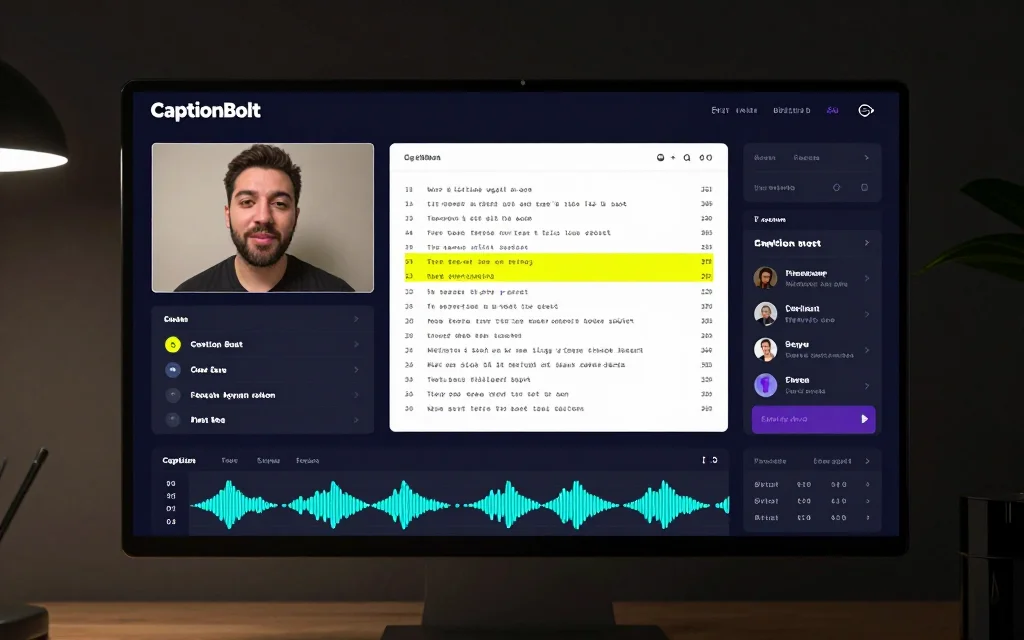
Editable video transcript
Select transcript text to revisit its timestamp, correct the wording, and download the reviewed result.
Built for video follow-up work
A transcript should help you do more than read the video
Reviewing a long video by scrubbing and typing is slow. A searchable transcript gives you a faster way to locate and verify what was said.
Manual video transcription turns a simple review into hours of listening and typing.
A plain text dump makes it difficult to check a line against the moment it was spoken.
Finding one topic or quote is slow when the only navigation is the video timeline.
Untracked corrections make it harder to prepare a dependable transcript for the next step.
Video to transcript workflow
Turn a video into a transcript you can review
Create a transcript in the video's original language, review it beside playback, then download the corrected text without entering the video Editor.
Upload your video
Start with a YouTube video file, webinar, course, tutorial, interview, podcast recording, or social video you own or have permission to use.
Generate a transcript
CaptionBolt creates an editable transcript draft so you do not have to type every sentence from scratch.
Review and edit
Correct words, search or replace text, and choose a passage to jump to the matching timestamp.
Download the transcript
Save the reviewed transcript locally in the formats available on your plan.
Use cases
Turn a video into a transcript you can review
Use the standalone Transcript workspace when the task is to inspect, correct, or download what was said in an existing video.
YouTube videos
Search a recording before replaying it and review the wording you plan to quote or reuse.
Webinars and courses
Review lesson or session wording and locate a topic without scrubbing the full recording.
Interviews
Find a passage by text, jump to its timestamp, and verify a quote against the source.
Video podcasts
Keep an editable record of an episode and check dialogue while the source video remains available.
Tutorials and demos
Turn spoken instructions into searchable reference text that you can correct before download.
Content marketing
Use reviewed transcript text as source material when your team writes its own copy or notes.
Product proof
Transcript first, publishing workflow next
The transcript remains tied to the source video so you can review exact wording before downloading a local copy.
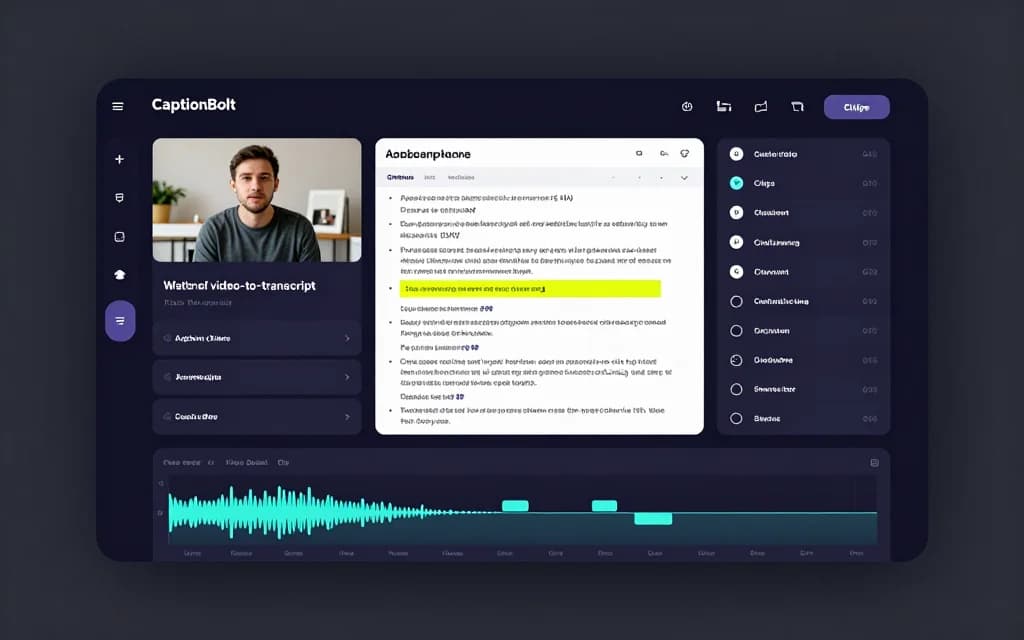
Why creators choose a workflow tool
More useful than a basic video transcription tool
The standalone workspace is intentionally focused on reviewing and downloading transcript text, without a full editing timeline.
Basic transcription tools
A text-only result can be hard to verify when it is disconnected from the recording.
CaptionBolt keeps each transcript passage connected to source playback.
Platform auto captions
Platform captions are tied to playback and can be awkward to correct or download as a reusable transcript.
Review searchable transcript text in a dedicated workspace before downloading it.
Manual editing
Repeatedly scrubbing and typing makes long recordings slow to review.
Start from an editable draft, then correct only the wording that needs attention.
Heavy video editors
A full timeline adds controls that are unnecessary when the task is transcript review.
Use the focused Transcript workspace for text; start a separate AI Captions project for styled video captions.
Related workflows
Continue with text or styled video captions
Use the standalone Transcript workspace for text, or start a separate AI Captions project for styled captions rendered with video.
Auto Subtitle Generator for Videos
Add editable AI captions to a video, review the words and style, keep the original framing or use optional Resize and Trim, then export.
Free Online Subtitle Editor
Edit subtitles online for free. Paste or upload SRT and VTT files, fix timing, sync subtitle lines, validate overlaps, and export SRT, VTT, TXT, or ASS.
Start free, no credit card required
Video transcription starts at $9/month
Upload a video to generate an original-language transcript, review it beside playback, and download the corrected text.
FAQ
Video transcription questions
What is video transcription?
Video transcription converts spoken audio in a video into written, time-aligned text that can be reviewed and downloaded.
Can I transcribe a video to text automatically?
Yes. Upload a video you own or have permission to use, then start a CaptionBolt workflow to generate a transcript draft for review.
How accurate is the transcript?
Accuracy depends on the recording, including background noise, accents, overlapping speech, and microphone quality. Review the generated draft before relying on exact wording.
Can I edit the transcript after it is generated?
Yes. You can correct words, search or replace text, and jump from a selected passage to its point in the recording.
Does the Transcript workspace create styled video captions?
No. The Transcript workspace produces editable text only. Start a separate AI Captions project when you want styled captions rendered with video.
Is there a free option?
Yes. You can start for free without a credit card. Current free allowances and paid plan limits are shown in the product and pricing page.
Does CaptionBolt support podcasts, webinars, and interviews?
Yes. CaptionBolt is built for creator-owned videos including podcasts, interviews, webinars, tutorials, courses, and long-form video.
Is CaptionBolt a human transcription service?
No. CaptionBolt is an AI video workflow tool for creators. You should review transcripts before publishing, especially when accuracy is important.