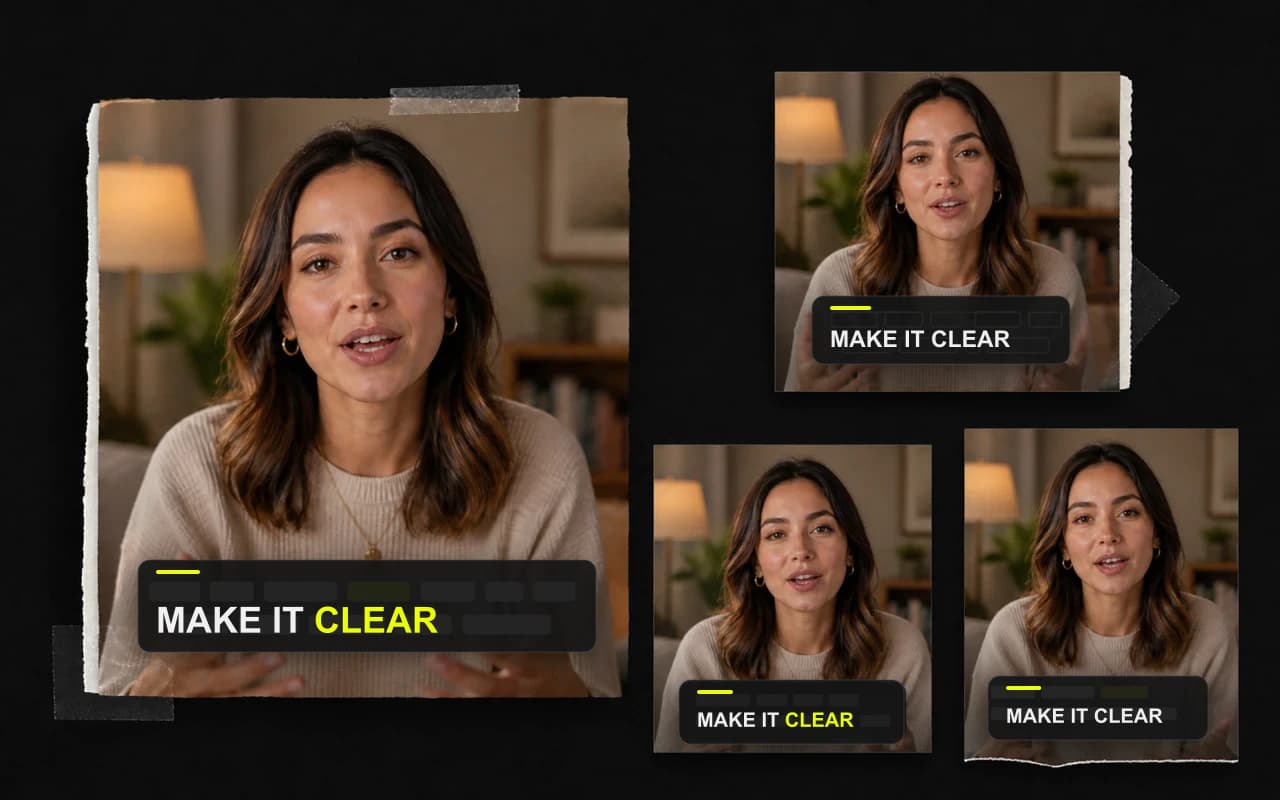
Text Editor
Keep the message clear without re-editing the video
Polish wording and line breaks while the natural rhythm of the recording stays intact.
CaptionBolt turns your recording into timed, styled captions that stay clear with or without sound—and remain editable before export.
No credit card required

Stay clear with or without sound
Give viewers the words wherever they choose to watch.
Start with a designed first pass
Every plan includes the complete catalog of 338 caption styles.
Keep every word editable
Correct the wording and line breaks before export.
Text Editor
Polish wording and line breaks while the natural rhythm of the recording stays intact.
All 338 styles
Start from the complete style catalog, then shape the color, type, emphasis, motion, and placement around your brand.
Caption styles
Explore all 338 styles, then tune the colors and fonts to fit your video.
Keep finishing in one place
Add only what this recording needs without moving the work into a complicated multi-track editor.
Correct a word, reshape a line, or hide a caption without changing the video, audio, or timing of what the speaker recorded.
Learn moreUse timed motion and word emphasis to make fast speech easier to follow while keeping the captions readable.
Learn moreKeep the composition you recorded or reshape it for the feed. Choose the aspect ratio and background treatment while you review the speaker, captions, and message together.
Learn moreQuestions
No. Upload your video, review the result, and adjust only what you want.
No. Text Editor changes the words shown over the existing speech. It does not move the audio or later caption timing.
Only the caption disappears. The matching video and audio stay in the project; use Edit clip when you want to remove media.
Finish the next take
Generate the first captioned version, correct the words, choose the look, and export when it feels ready.
No credit card required
We use cookies to remember preferences, measure site performance, and improve CaptionBolt.