Built from what you said
Turn the real subject into a shortlist worth reviewing.
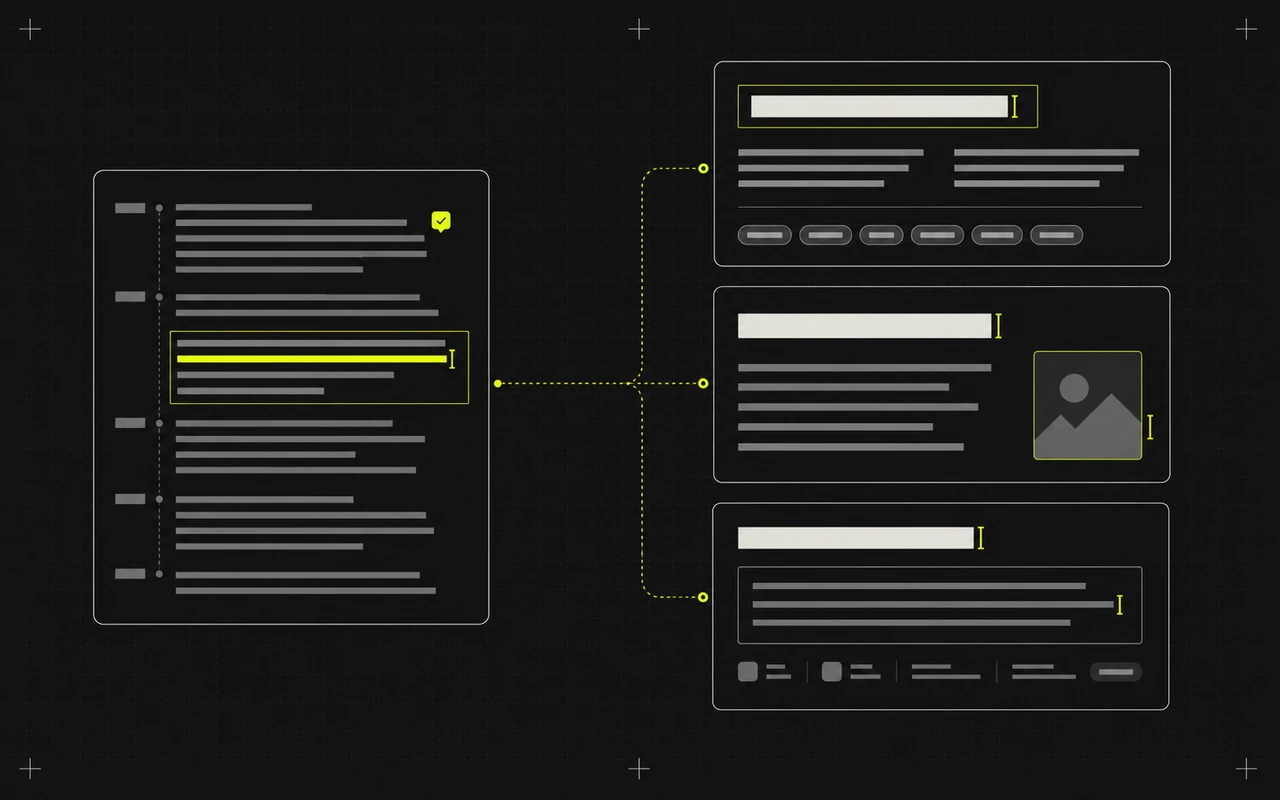
Begin with suggestions tied to the transcript instead of automatic #fyp or #viral padding. Remove anything vague, repetitive, or unrelated before it reaches the post.
AI hashtag and tag generator
Turn the real topics in your transcript into focused TikTok and Instagram hashtags plus separate YouTube tags. Keep the strong matches, remove the weak ones, and skip the forced viral filler.
Included on every plan. AI tools do not use processing minutes.

Relevant beats random
CaptionBolt builds suggestions from the people, problems, and ideas actually discussed in your recording.
Built from what you said
Begin with suggestions tied to the transcript instead of automatic #fyp or #viral padding. Remove anything vague, repetitive, or unrelated before it reaches the post.
Right format, right field
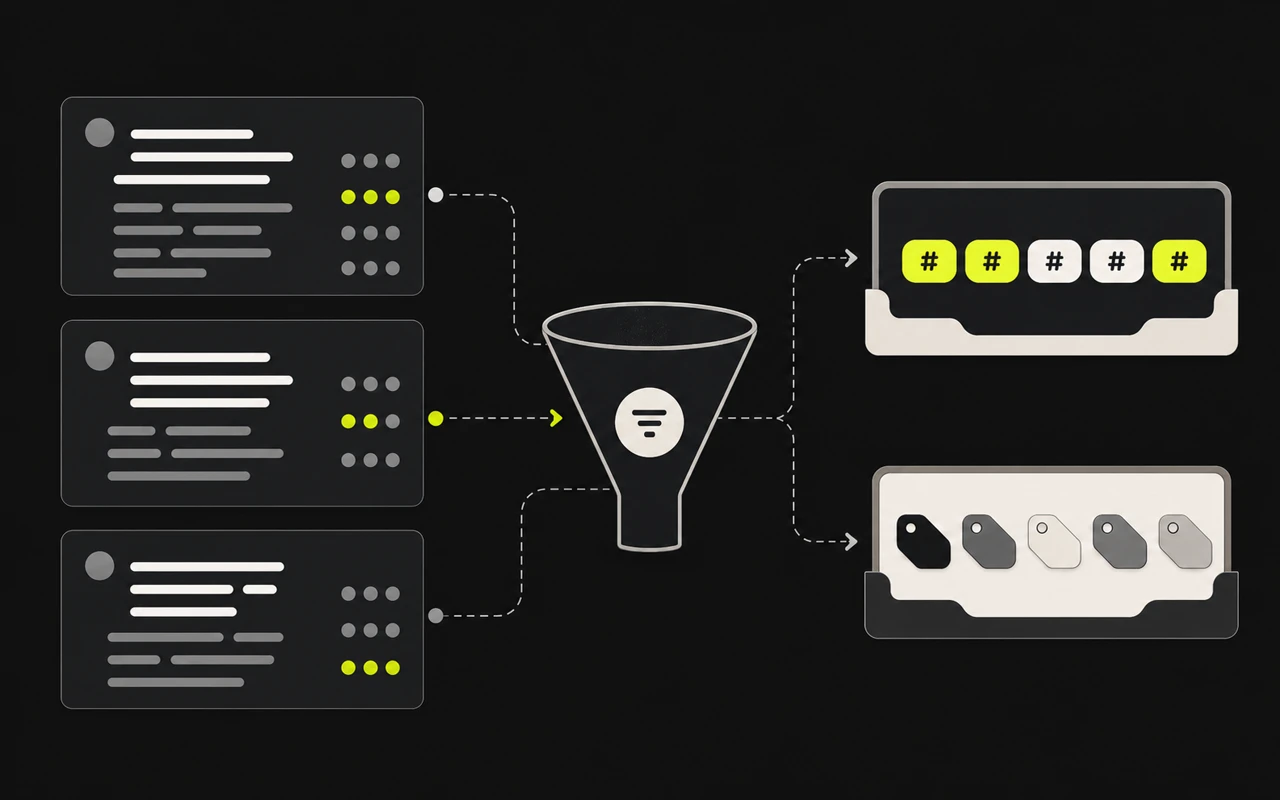
Use hashtag-ready values for TikTok and Instagram, and plain search-relevant phrases for the YouTube tags field. Edit or regenerate each set without rebuilding the rest of the publishing draft.
From topic to shortlist
Choose the destination, generate a topic-specific shortlist, and keep only the tags that still make sense beside the video.
Use the words and topics already inside the video.
Generate for TikTok, Instagram, YouTube, or all three.
Create platform-appropriate hashtags or plain YouTube tags.
Remove weak matches and keep only the final set.
More from the video already open
Move from on-video hooks to platform copy without uploading again or re-explaining the message.
Turn the transcript from one finished video into distinct drafts for TikTok, Instagram Reels, and YouTube Shorts. Keep the message consistent without writing each post from scratch.
Learn moreCaptionBolt reads the transcript and pulls out three ways to frame the value. Choose the angle that earns attention without promising something the video never delivers.
Learn moreTurn one transcript into a complete, editable YouTube Shorts draft. Build the title, description, and tags together, then add the links, credits, offer, or call to action only you know.
Learn moreQuestions
TikTok drafts contain 5–8 hashtags, Instagram Reels drafts contain 8–15 hashtags, and YouTube Shorts drafts contain 8–20 plain tags.
No. TikTok and Instagram use hashtags, while YouTube keeps plain topic phrases in a separate tags field.
No. You can edit, regenerate, or delete every suggestion before copying it, but CaptionBolt never connects an account or publishes automatically.
Start with the video you already made
Start with the real topic, review a focused shortlist, and copy only the tags that fit.
Included on every plan. AI tools do not use processing minutes.
We use cookies to remember preferences, measure site performance, and improve CaptionBolt.