Podcast transcription for creators
Podcast and interview transcription for creators
Upload a podcast, interview, webinar, or video recording and get an editable transcript you can review alongside the source before downloading.
Try it with a real recording
Upload a podcast, interview, or video file
Create a free account to start the transcription workflow. No credit card required.
MP4, MOV, MP3, WAV, M4A
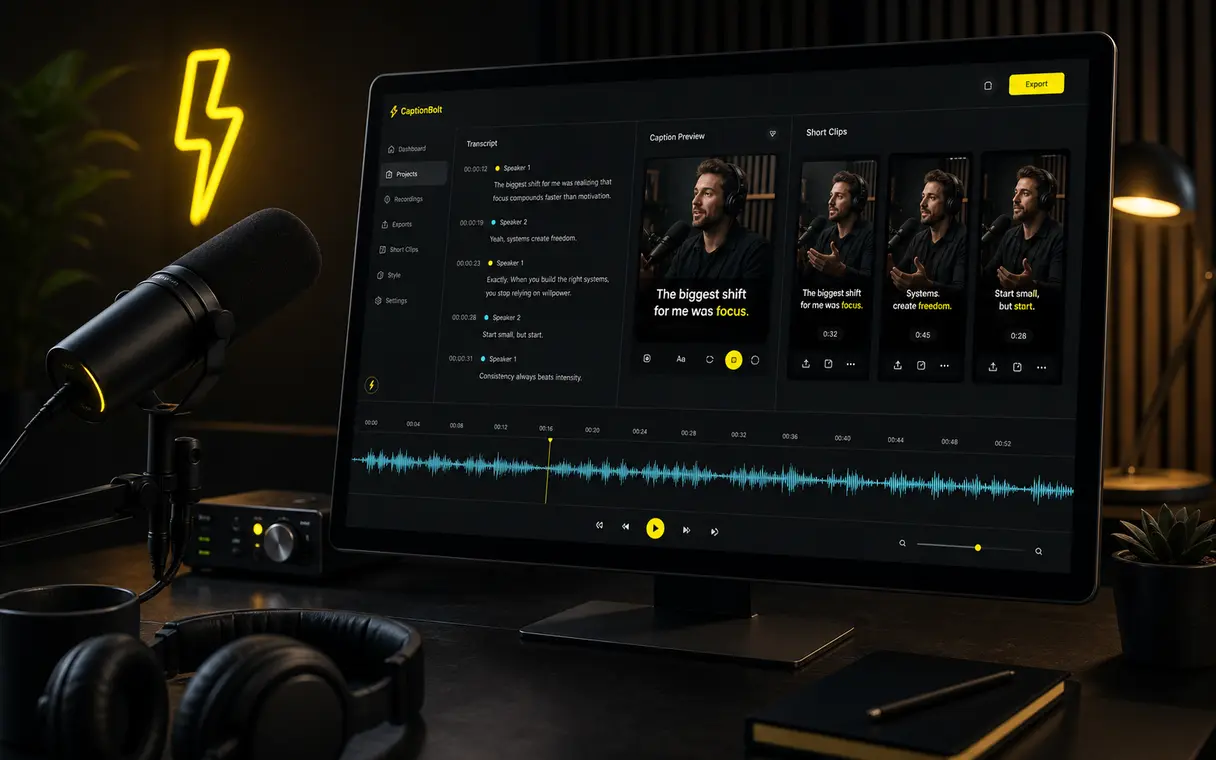
Podcast transcript ready
Review words beside the recording, jump by timestamp, search or replace text, and download the original-language result.
Built for the messy middle
Long recordings create too much follow-up work
Long recordings are slow to review by ear. A searchable transcript helps you check wording and locate passages without replaying every minute.
Listening back to a full episode just to confirm one passage.
Typing a long recording by hand before you can review the wording.
Finding a specific passage when all you have is an audio or video timeline.
Keeping corrections organized before downloading a transcript for the next step.
Podcast transcription for creators
Review and reuse your podcast transcript
Upload your recording
Start with a podcast episode, interview, webinar, video podcast, or other recording you own or have permission to use.
Generate a transcript
CaptionBolt creates an editable transcript draft in the recording's original language.
Review and edit
Correct wording, search or replace text, and select a passage to jump to its timestamp.
Download the transcript
Download the reviewed transcript in the local formats available on your plan.
Use cases
For podcasts, interviews, webinars, and long-form video
Podcast transcripts
Review or archive a readable record of an episode while keeping the source recording close by.
Show notes
Use the corrected transcript as source material while you write your own show notes, chapters, or episode page.
Webinars and long videos
Search a long recording, locate a passage, and verify wording without replaying the entire file.
Output preview
More useful than a plain wall of text
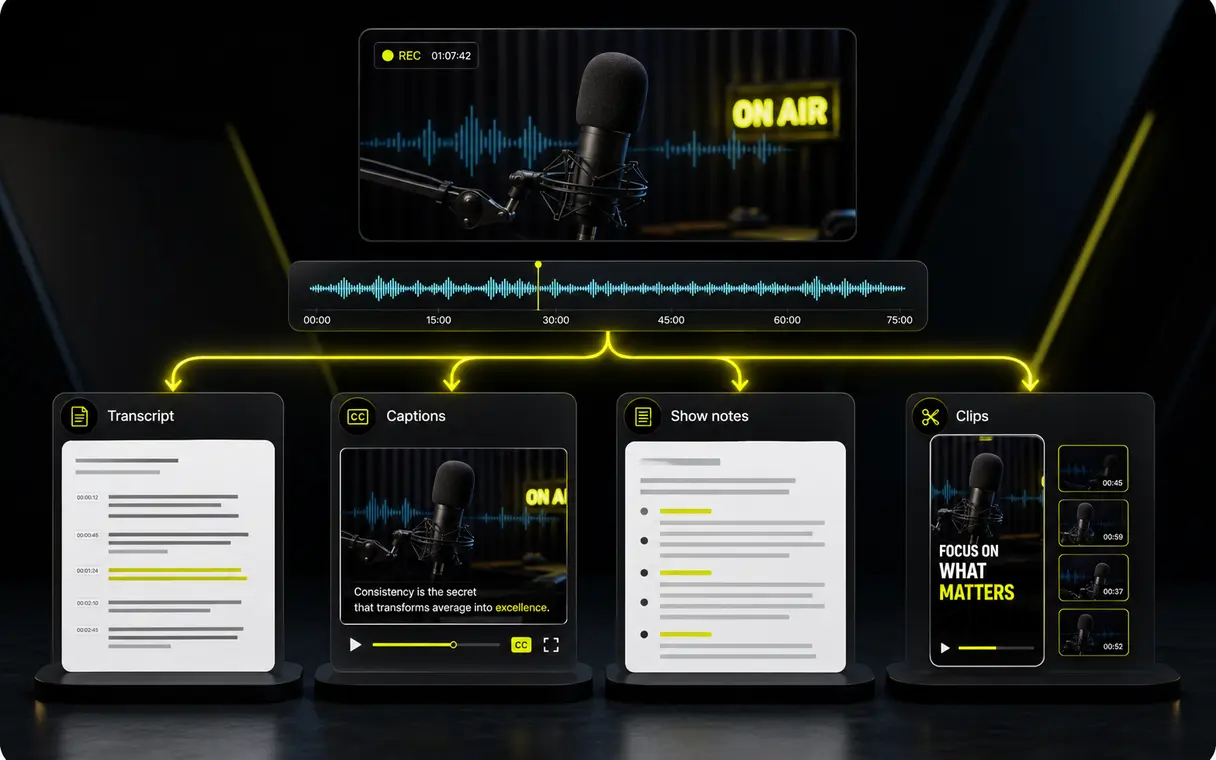
Keep the original-language text connected to its recording while you review it, then download the corrected result.
Related workflows
Add captions to a separate video project
The Transcript workspace is for editable text. Use AI Captions when you want styled captions rendered with a video.
Start free, no credit card required
Podcast transcription starts at $9/month
Upload a recording to create an original-language transcript you can review and download.
FAQ
Podcast transcription questions
How accurate is the transcript?
Accuracy depends on the recording, including background noise, accents, overlapping speech, and microphone quality. Review the generated draft before relying on exact wording.
Can I transcribe video podcasts and interviews?
Yes. CaptionBolt is designed for uploaded podcast recordings, video podcasts, interviews, webinars, and long-form videos that you own or have permission to use.
Does CaptionBolt support languages beyond English?
Choose automatic detection or a supported source language. The transcript remains in the recording's original language, and you should review it before use.
Can I export transcripts or captions?
You can download the reviewed original-language transcript. Available local file formats depend on your current plan and are shown in the workspace.
Is there a free quota?
Yes. You can start for free without a credit card and test CaptionBolt on real content. Current free allowances and paid plan limits are shown in the product and pricing page.
Does the Transcript workspace create styled video captions?
No. The Transcript workspace ends with editable text and local downloads. Start a separate AI Captions project to create and export styled captions on video.