What We Rebuilt After Choosing Focus
A developer’s look at the unglamorous work behind a reliable first export: recoverable uploads, one shared timing model, and previews that match the final render.

Kevin Li
In July, we made CaptionBolt smaller on purpose. We stopped trying to be several AI video products at once and returned to one job: take a piece of footage someone has already chosen and help them finish it with captions.
That decision did not lead to a quiet month.
It exposed every place where the core path was still held together by an assumption: that an upload would finish in one browser session, that two renderers would interpret timing the same way, that deleting text and deleting video were close enough to share an action, or that a preview frame would always be ready when a seek completed.
The work since then has mostly been about removing those assumptions.
Focus Makes Reliability Visible
When a product has many unrelated tools, a failure can look isolated. When the product has one main path, the same failure blocks the entire promise.
Our path is now deliberately short:
- Upload recorded footage.
- Transcribe it and create styled captions.
- Review the text and result.
- Optionally adjust framing, cuts, or finishing elements.
- Export the version you approve.
That makes prioritization easier. Anything that prevents the first successful export comes before another optional feature. Anything that can silently change the user's words, timing, framing, or media needs a visible decision and a way back.
An Upload Is a Durable Session
The old mental model for an upload was a request with a progress bar. That works until a large file meets a weak connection, a closed laptop, or a browser reload.
We rebuilt uploads around durable sessions. The server reserves the work, the browser uploads the file in parts, and a returning browser can ask which parts already exist. It only needs to send what is missing.
The server is the source of truth for active sessions. Local browser storage can make the first screen feel faster, but it is not allowed to be the only record that an upload exists. On the Dashboard, choosing the exact same original file can resume the session. On the Transcripts page, active sessions remain visible with their own resume and cancel actions.
That sounds like upload plumbing. For the user, it means a network interruption is less likely to turn a long upload into lost time.
Preview and Export Need One Contract
For a video tool, a convincing preview is not enough. The exported file has to tell the same story.
We replaced the older composition-rendering path with a shared FFmpeg and libass execution layer. Browser preview and server export still use different runtime technologies, but they now consume the same strict configuration, caption document, font assets, dimensions, and timeline decisions.
The default composition is also less surprising. With Resize disabled, CaptionBolt preserves the source framing and resolves the output within the current plan's raster ceiling. A landscape upload does not become vertical merely because short-form platforms often use 9:16.
This migration was not about claiming that every export is instant. Source preparation, duration, file size, current workload, and rendering complexity still matter. The goal was to remove avoidable interpretation differences and make progress, cancellation, retries, and final uploads more dependable.
Captions and Media Need Separate Truths
One of the hardest bugs in a caption editor starts with a reasonable shortcut: treat the words currently displayed on screen as the words that define the media timeline.
That stops working as soon as the user edits a sentence.
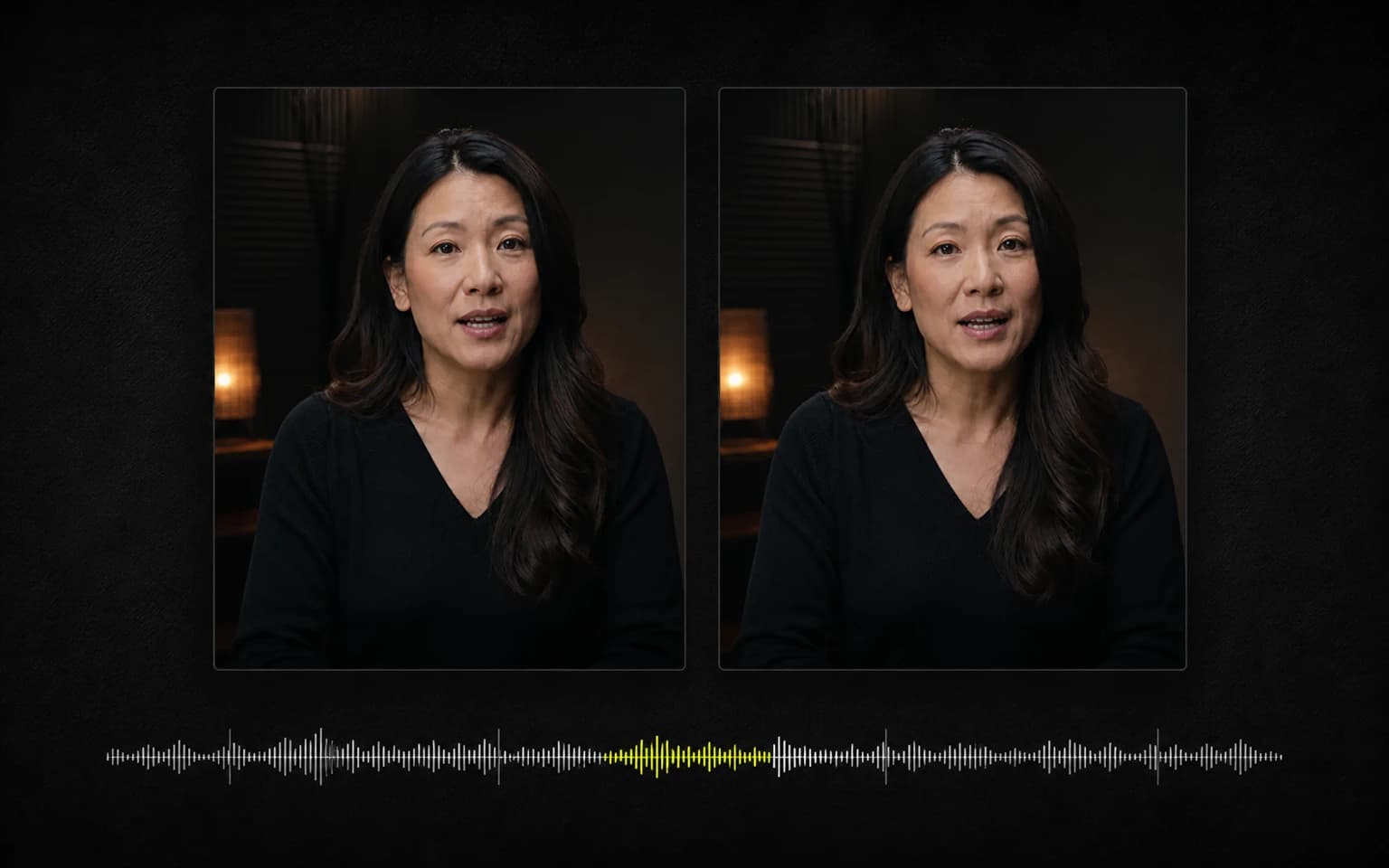
CaptionBolt now keeps two word domains. Immutable source words own speech timing, cut decisions, and snapping. Editable caption words own what appears on screen. Correcting a name should not move the rest of the audio. Hiding a sentence in Text Editor should not remove the corresponding video. Cutting the video belongs to Clip.
This separation also makes repeated edits safer. Each text edit reconciles against the original timed words instead of repeatedly redistributing already-edited timing. The words can change without the underlying speech pretending to have happened at a different moment.
A Simpler Clip Tool Still Needs Precise Timing
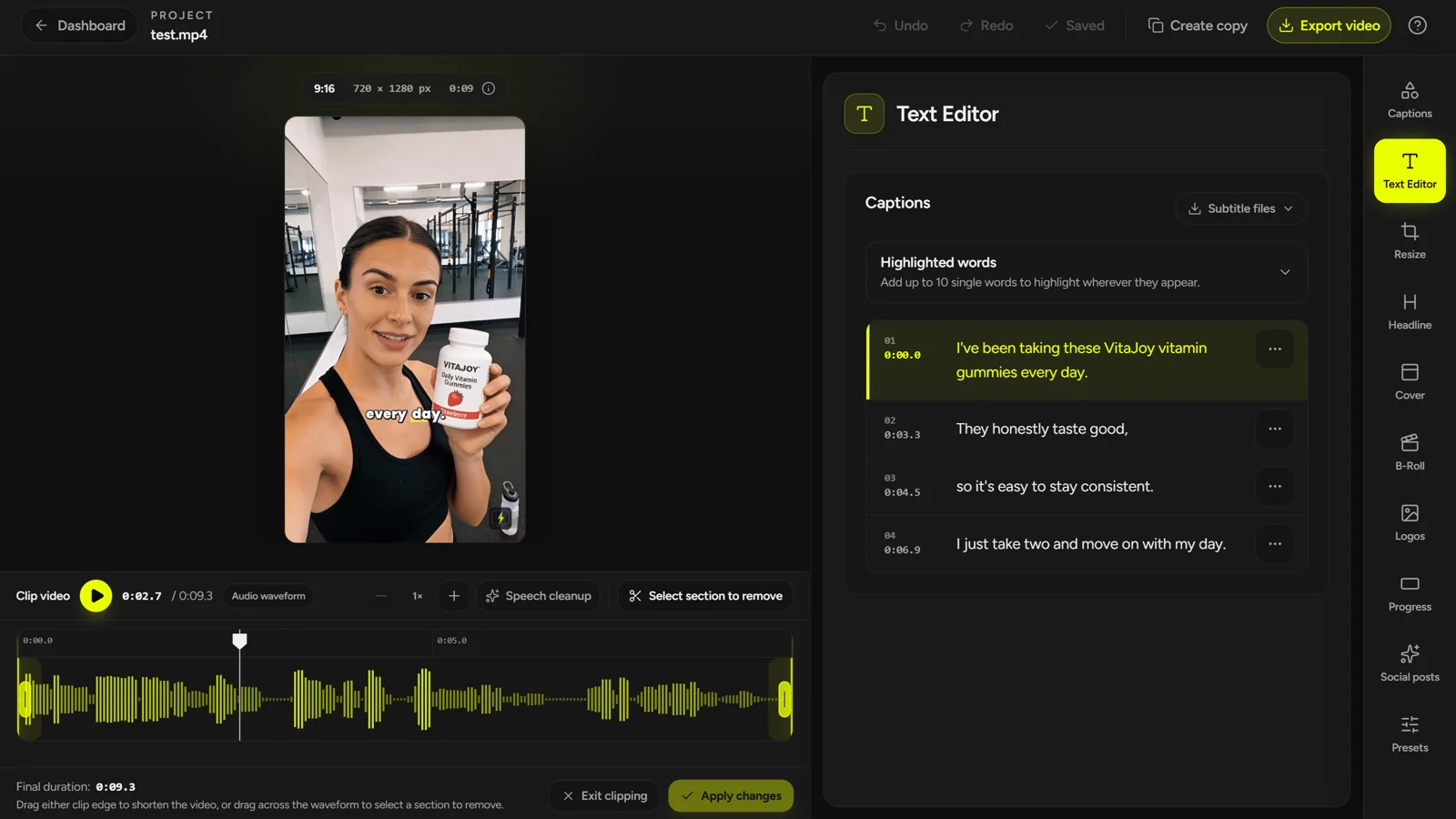
We did not want a multi-track timeline. We did want users to shorten the beginning or end, remove an interior range, and optionally clean up longer pauses without losing confidence in the captions.
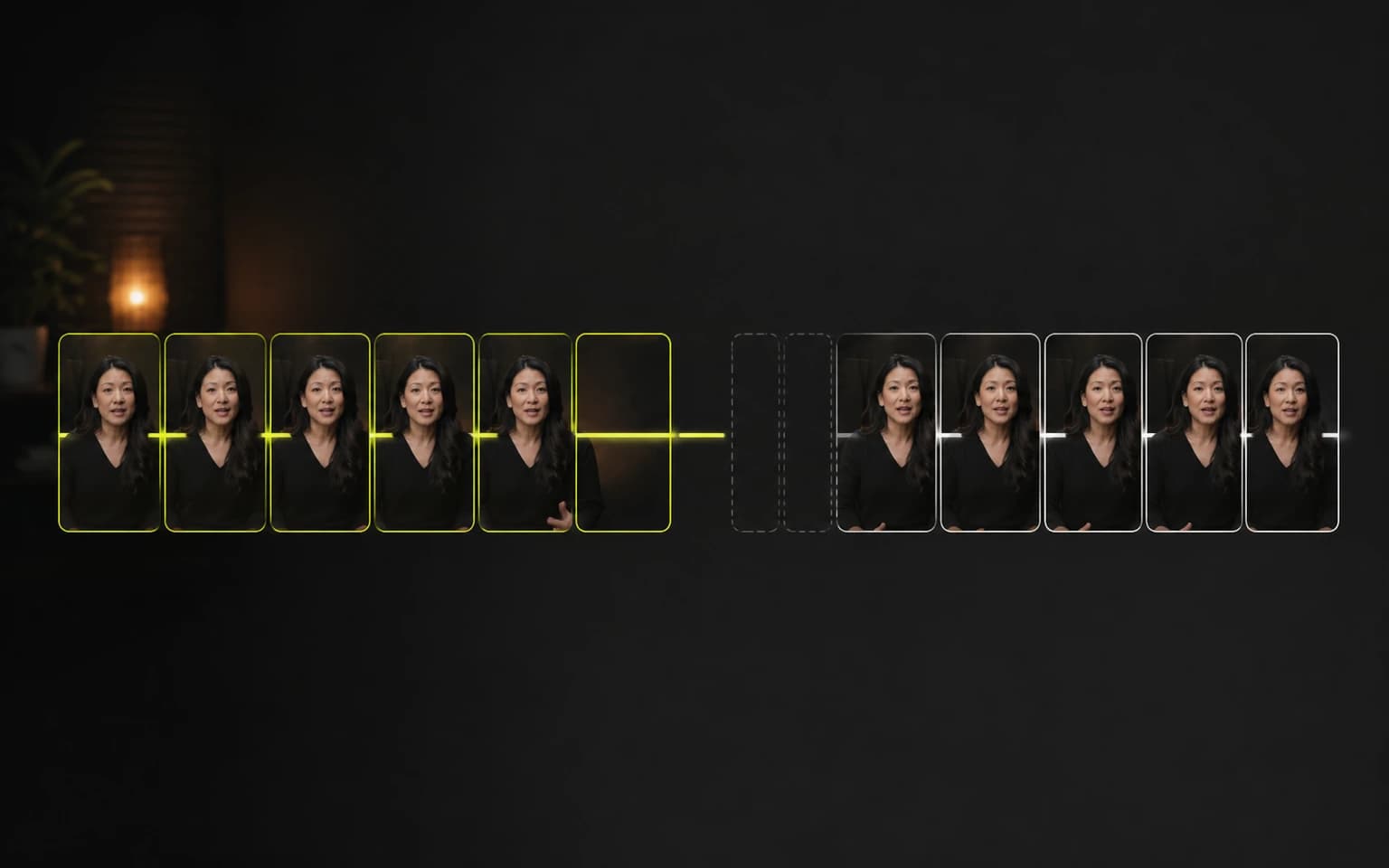
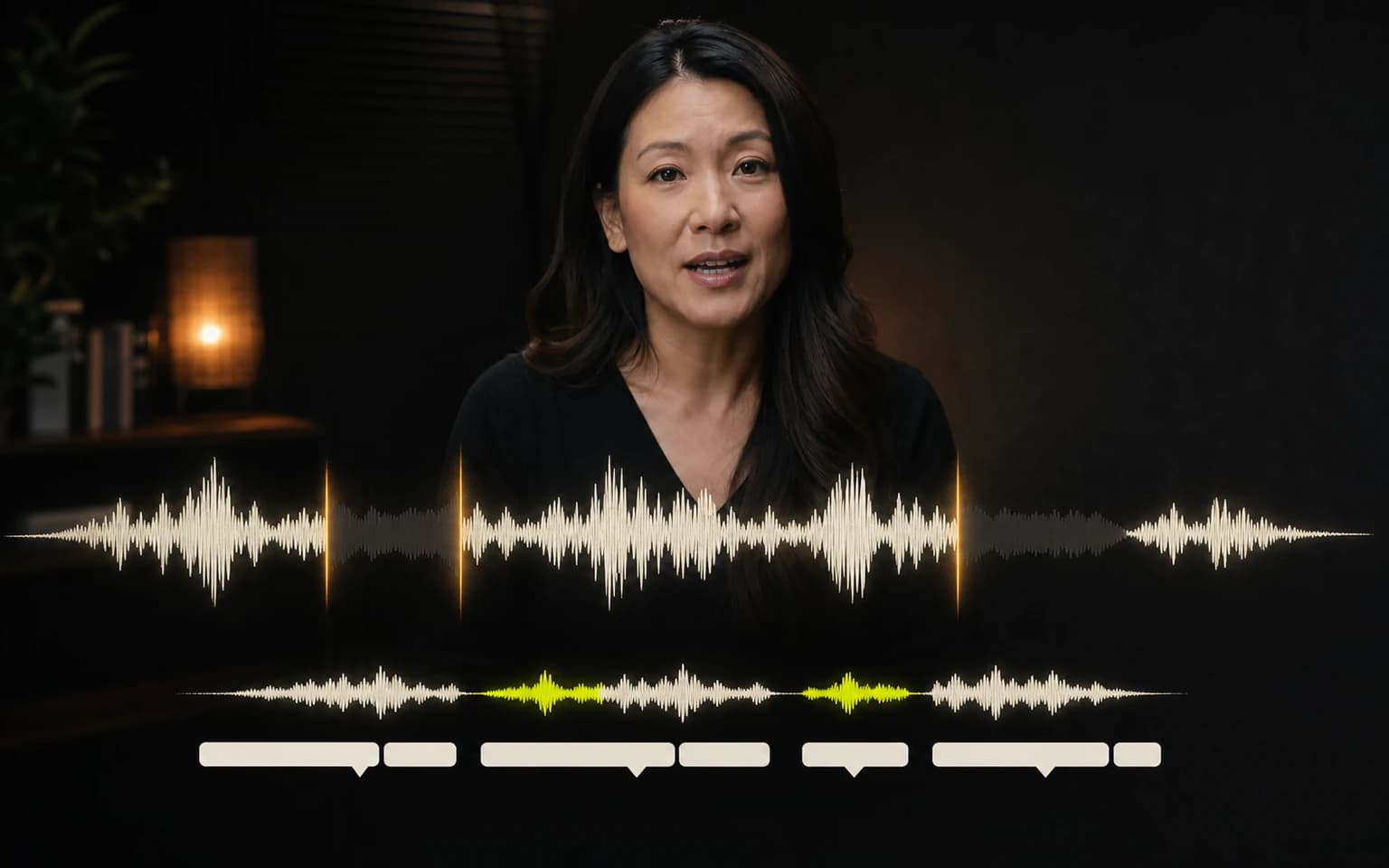
The new Clip view uses one source waveform. Edge handles control the final boundaries. An interior removal becomes a restorable seam. Automatic long-pause cuts use a different visual treatment and can be restored individually. The playhead remains separate from both.
Underneath that interface, retained media is packed into one output timeline. Source words are assigned to cues by timing, partially retained captions are rebuilt from surviving words, and Player and export consume the same frame plan. A cut inside a spoken word snaps to a word edge; a cut in silence can keep finer precision.
These are small rules until they disagree. Then the user sees a deleted frame flash during playback, a caption arrive late, or several tiny rounding errors accumulate across a cleanup pass.
Rendering Is a Product Experience
Most people should never have to think about a render worker. They still experience every decision it makes.
They experience whether a queued job can be cancelled, whether a retry creates duplicate work, whether a failed final upload can recover, whether the selected font exists in the rendering environment, and whether a busy system reports useful progress instead of inventing a percentage.
We tightened those contracts across transcription and rendering. Work claims are guarded against stale runs. Capacity is admitted per account instead of being left to browser timing. Failed terminal work can reconcile reserved processing minutes. Rendering environments use the same executor and font contract. Operational diagnostics can tell us whether the bottleneck is queue pressure, a worker, media preparation, or storage transfer without exposing that machinery in the Editor.
This is not a promise of zero waiting or zero failures. It is a commitment that failures should be bounded, observable, and recoverable instead of mysterious.
The Position We Finally Know How to Explain
The engineering work changed how we describe the product.
CaptionBolt is for creators, marketers, and small content teams who already have the footage. It is especially useful for speech-led videos: talking-head clips, lessons, demos, interviews, course excerpts, and business updates.
The first result is styled captions on the original framing. Resize, Clip, Cover, B-Roll, Headline, Logo, Progress Bar, saved Video presets, and Social posts are available when they help. They are not a checklist someone must finish before exporting.
AI prepares the first pass. The transcript can be corrected. The framing can stay original. A suggested cut can be rejected. Generated copy stays editable. The final decision belongs to the person publishing the video.
That is the position behind our updated homepage narrative: your video is already recorded; CaptionBolt helps you finish it without requiring a full video editor.
What We Are Building Next
The next priorities are less about making the navigation longer and more about making the first result stronger:
- more reliable upload, transcription, saving, export, and recovery;
- better caption segmentation and faster text review;
- clearer optional Clip review without pretending automatic boundaries are already solved;
- tighter preview and export consistency;
- reusable brand and finishing controls for people who publish repeatedly.
There will still be new capabilities. The test is whether they help someone finish existing footage with fewer unnecessary decisions—and whether the result remains inspectable and reversible.
If you want the reasoning behind this direction, read why we narrowed CaptionBolt. To see the current product, explore Video Captions, the Text Editor, or the online video trimmer.