We Chose a Smaller Product—and a Better One
Why we retired three high-variance AI experiments and rebuilt CaptionBolt around a simpler job: finishing selected footage with captions you can review and trust.

Kevin Li

At the end of June, we published a milestone about reaching 300 caption styles. It was a satisfying number. It was also the moment when we had to admit that CaptionBolt was becoming harder to explain.
We had started with one small promise: upload a video, add captions, and get a finished file. Then we kept adding ideas around it. Some were useful experiments. Some looked impressive in a product menu. Together, they made the product wider without making the main result easier to reach.
This post records the decision we made in July to reverse that drift.
More Features, Less Clarity
Feature growth can feel like progress when you are building software. A new card appears on the dashboard. A new route works in a demo. The product can do one more thing than it could last week.
The cost is harder to see. Every new workflow needs its own empty states, validation, progress, retries, billing rules, support answers, and failure recovery. If AI is making a creative decision, it also needs a way for the user to inspect that decision and recover when it is wrong.
We were no longer improving one path. We were maintaining several products that happened to share an account.
Three Buttons Were Really Three Products
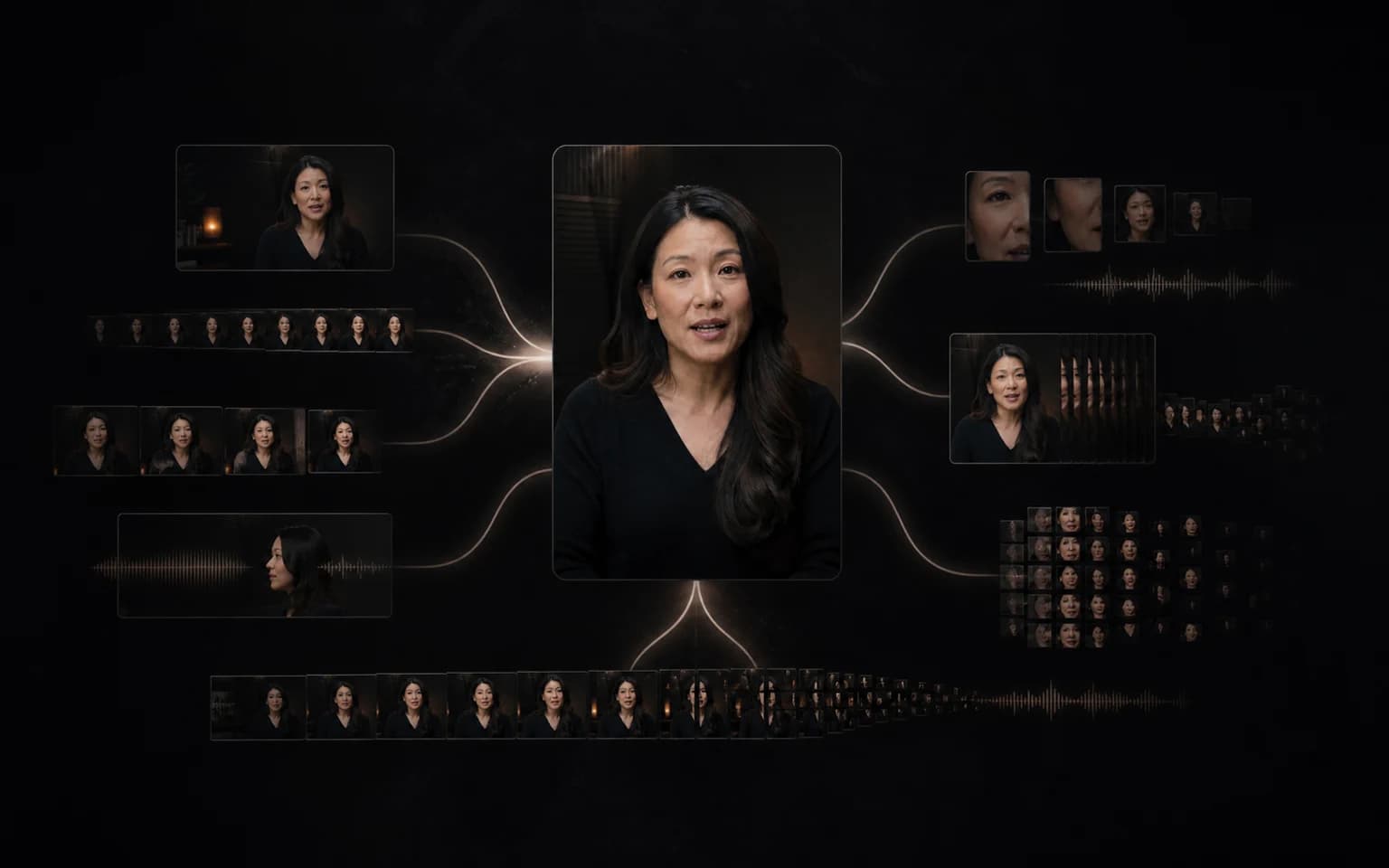
Automatic clip selection, speaker-aware reframing, and dubbing sound like adjacent video features. From an engineering perspective, they are three different quality problems.
Finding a short clip means judging whether a moment has enough context to stand alone. Reframing means deciding which person or object matters in every shot. Dubbing means dealing with language, voice, timing, and the gap between a translated sentence and the original performance.
Each result can be technically valid and still be unusable. A clip can begin one sentence too late. A crop can follow the wrong face. A dubbed line can fit the timestamp and still feel wrong. These are not failures that disappear when a queue completes successfully.
We could have kept all three in the navigation and called the product more powerful. But doing that would have committed us to building three serious review systems while the caption workflow still needed more attention.
The Job We Kept Seeing
The useful pattern was much simpler. People already had a piece of footage they wanted to publish. The recording was done. The moment had been chosen. What remained was the repetitive finishing work:
- get a readable transcript;
- turn it into captions that fit the content;
- correct the words and line breaks;
- keep the original framing or deliberately change it;
- remove an unwanted edge or section when necessary;
- export a result that matches the preview.
That is a narrower job than "make short-form content with AI." It is also a job we can describe honestly and improve as one connected system.
What We Removed
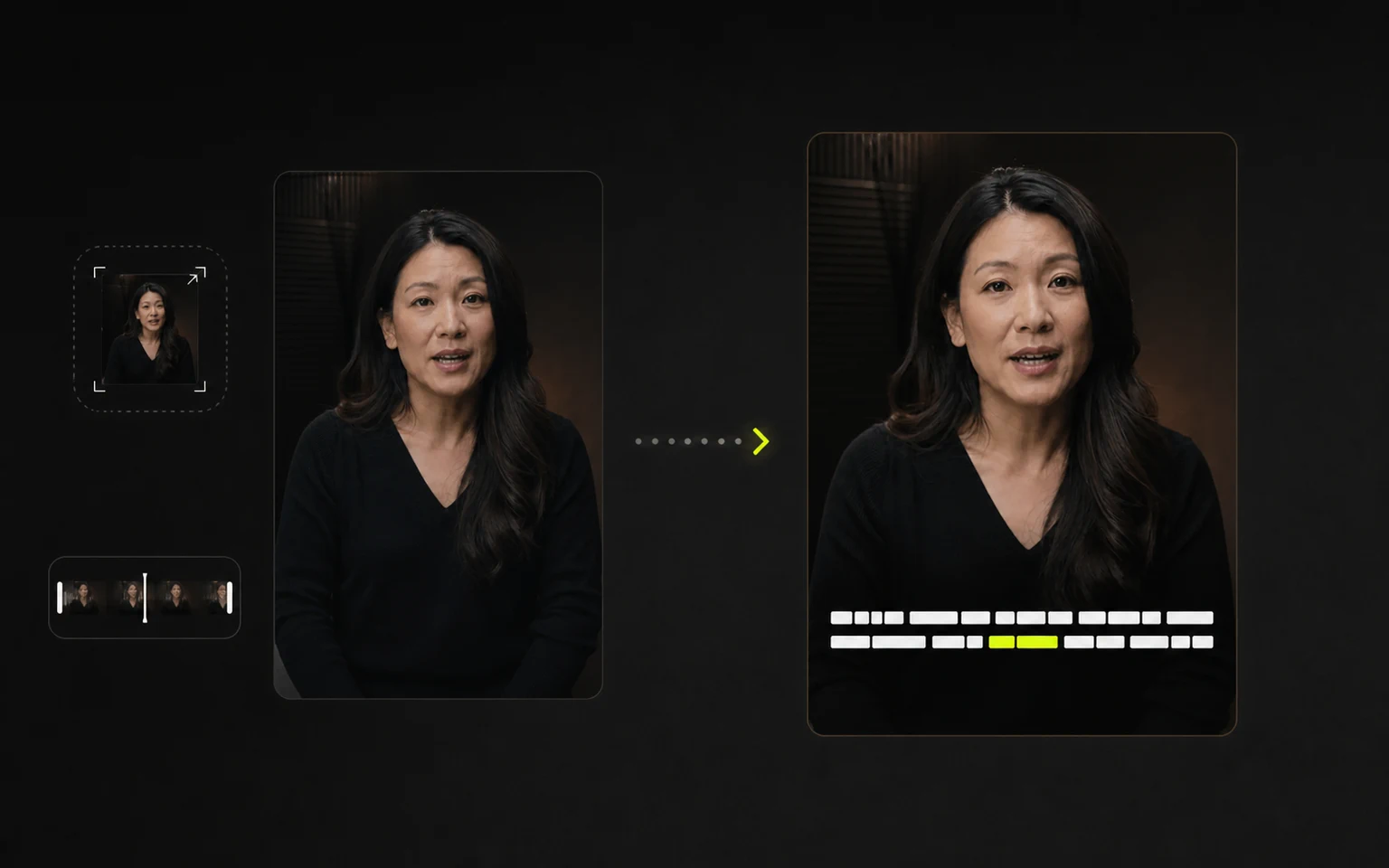
AI Viral Clips, AI Reframe, and AI Dubbing were removed from the current SaaS and API product paths on July 6, 2026. They are not available for new uploads or new projects.
That temporary archive path ended after the 14-day access window elapsed. Historical results from those retired product paths are no longer available in CaptionBolt.
This was not a temporary hiding of navigation while we prepared a relaunch. We removed the active product paths because they pulled engineering effort away from the result users were already asking us to make dependable.
AI Transcripts stayed, but with a clearer role. A transcript is useful on its own and also supports the caption workflow. It does not need to pretend to be another video-generation product.
What Changed by July 23
Once the scope became smaller, the default experience became easier to define.
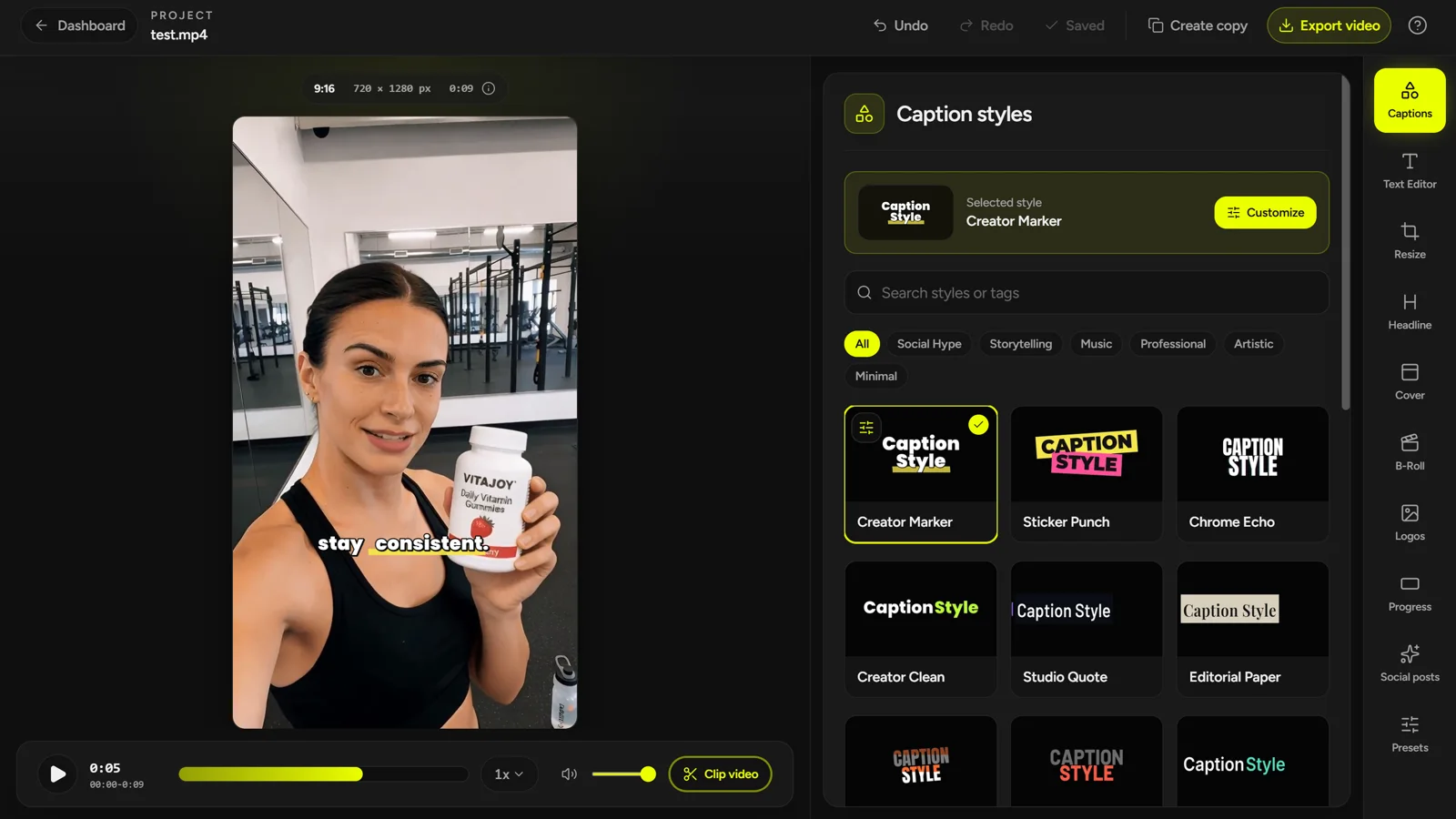
New AI Captions projects preserve the source aspect ratio. Resize is optional. Clip review is optional. A user can correct the text, choose a caption style, and export without first exploring every tool in the Editor.
AI Transcripts gained its own review workspace for editing, search and replace, playback navigation, and the export formats available on the current plan. Transcript work no longer needs to pass through the video Editor or rendering queue.
We also spent more time on the less visible parts: autosave, Undo, processing status, failed-job recovery, and the difference between editing caption text and removing actual media.
Smaller Scope, Higher Standard
Choosing a smaller product did not make the engineering list shorter. It made the standard clearer.
If CaptionBolt is a caption-first finishing tool, an upload that cannot recover is a product failure. Captions drifting after a cut are a product failure. A preview that disagrees with the final export is a product failure. A default crop the user did not request is a product failure.
Those problems are less exciting to announce than a new AI mode. They matter more to someone trying to finish a video today.
Our current direction is straightforward: CaptionBolt helps creators, marketers, and small content teams turn footage they have already recorded and selected into a polished captioned video they can review and export. AI handles the first pass. The user decides what gets published.
That is a smaller promise than the one we were drifting toward. It is also a much better product to build.
You can see the current workflow in Video Captions, try it through the auto subtitle generator, or continue with what we rebuilt after choosing focus.