30 Social Hype Caption Styles: A Historical Release
A look back at the Social Hype style release—and how it fits into CaptionBolt’s current 338-style catalog.

Kevin Li
This post records an earlier CaptionBolt release: a batch of 30 Social Hype caption styles. The release remains part of our product history, but the catalog has continued to grow. CaptionBolt now includes 338 caption styles on every plan, including Free.
What Social Hype Was Designed For
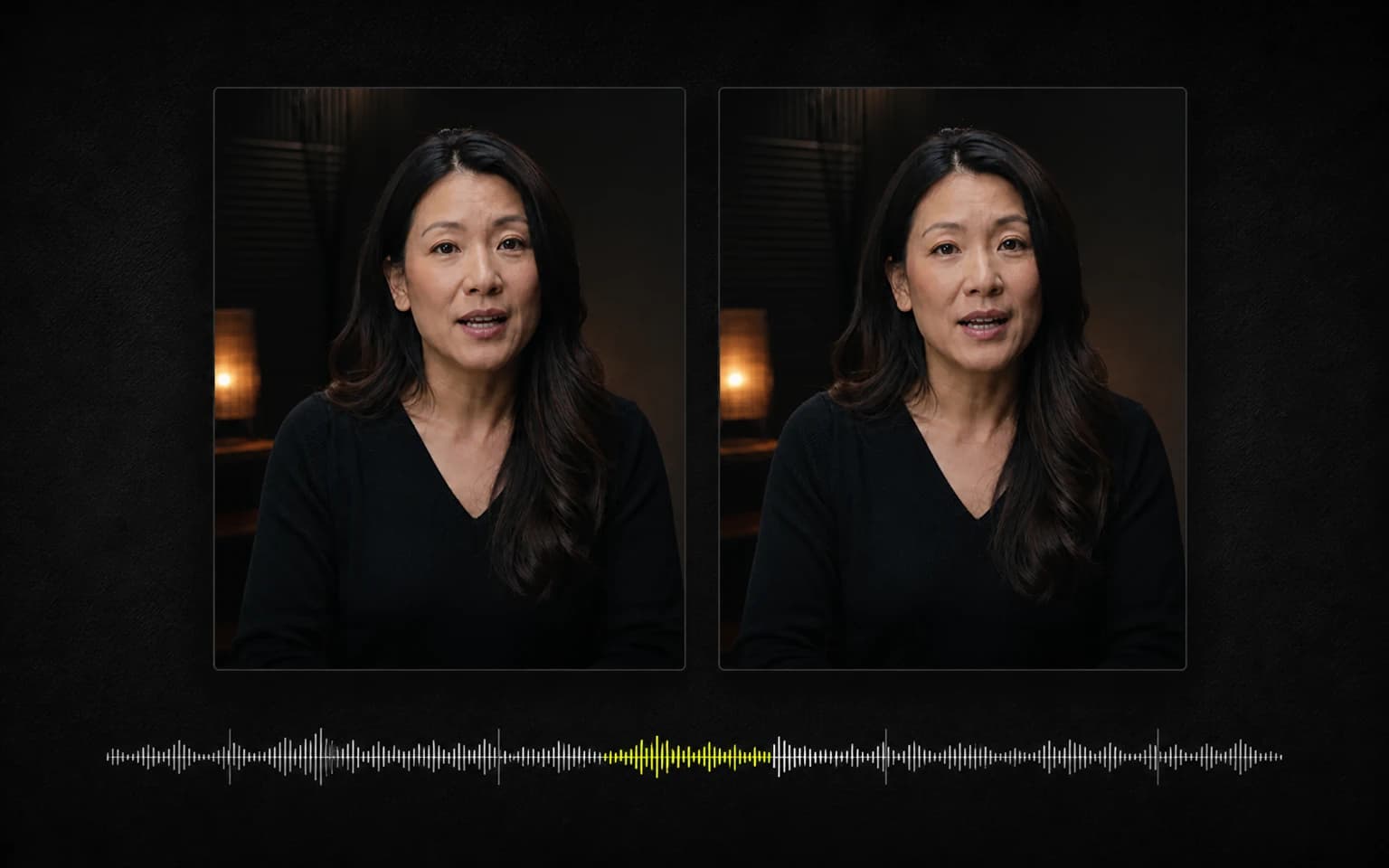
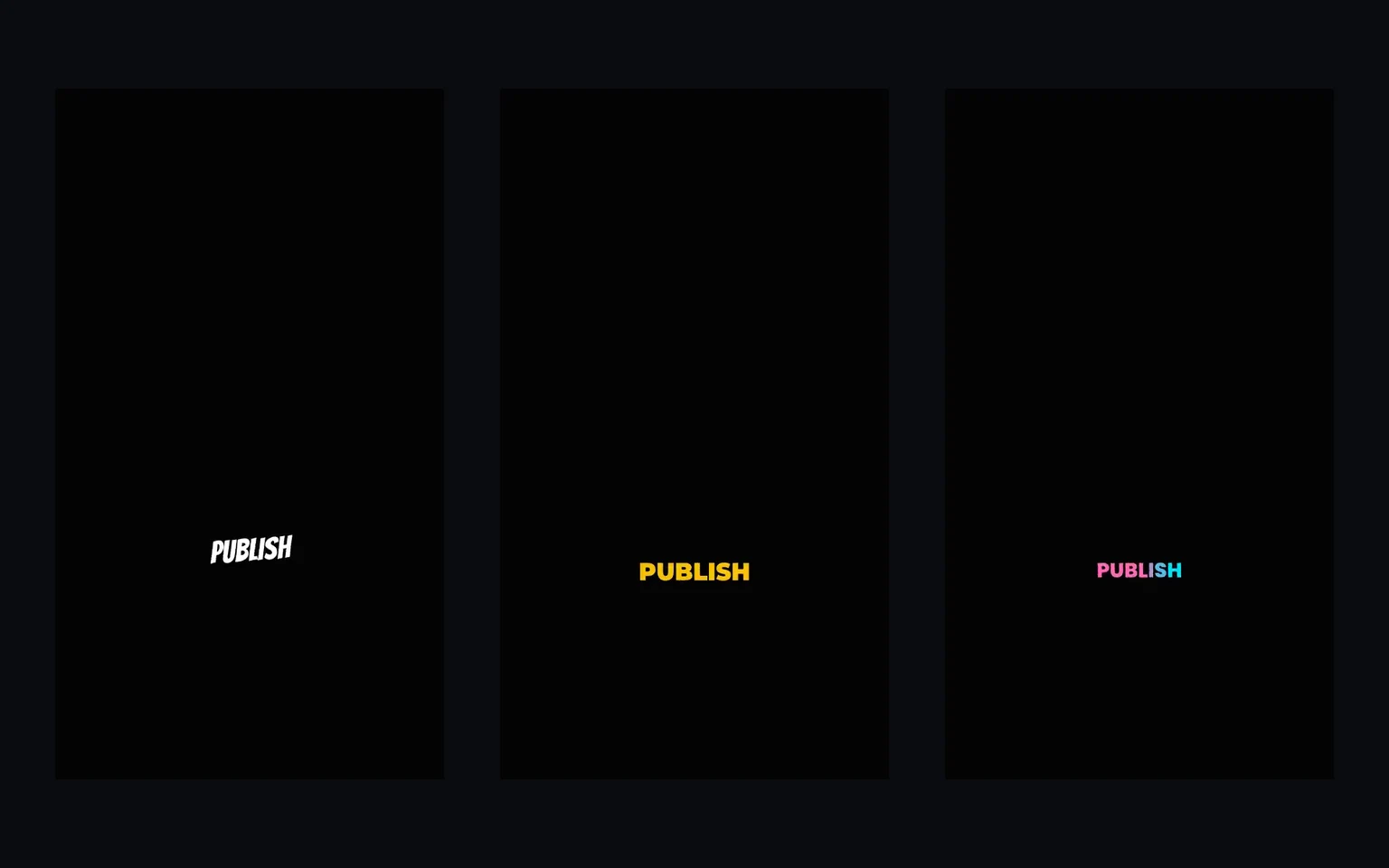
Social Hype styles use bold type, high contrast, word-level emphasis, and energetic motion. They are intended for talking-head videos where captions are part of the composition rather than a quiet subtitle track at the bottom.
We built the collection by translating common short-form design patterns into repeatable ASS-based styles. Caption timing follows the transcript’s word timing, but real media can contain unclear speech, overlaps, music, or timing errors. Review the transcript and preview before exporting; we do not claim pixel-perfect or frame-perfect results for every source.
The historical release included variations such as:
- Bold word-by-word emphasis
- Keyword color or scale changes
- Stacked lines
- Sequential highlighting
- Stronger motion for high-energy moments
These are style choices, not automatic judgments about which words deserve emphasis. You can review and adjust the result in the Editor.
Framing and Safe Areas
CaptionBolt starts with Original framing and preserves the source aspect ratio. Resize is optional. Caption position can be adjusted, but the product does not automatically guarantee platform-specific safe zones for every TikTok, Reel, or Short interface.
Platform interfaces change and overlays vary by device and posting context. Preview the final composition for the destination you plan to use, especially when captions are near the edges.
Access Today
All 338 caption styles are available on Free, Starter, Pro, and Max. There is no five-style Free restriction. The Editor also offers 24 Cover designs as a separate feature.
Choose a style, preview it with your own transcript, keep the Original frame or opt into Resize, and export when the text and composition look right.
Keep Reading
For the next historical catalog milestone, read 300 caption styles. For a practical workflow, see how to add subtitles to a video or try the auto subtitle generator.